Running Events at Your Venue? Give Every Night Its Own Guest Gallery
If your venue runs events, you already know the pattern. A great night happens, everyone films it, and the next day someone messages asking "does anyone have the photos from last night?"
The answer is usually a WhatsApp group that nobody can find a week later.
There is a better way, and it turns every event you run into marketing for the next one.
One event, one gallery
The idea is simple. Every event at your venue gets its own gallery with its own QR code:
- Thursday's quiz night
- Saturday's DJ set
- A birthday party in the back room
- A hostel pub crawl or a hotel welcome dinner
- A private booking or company party
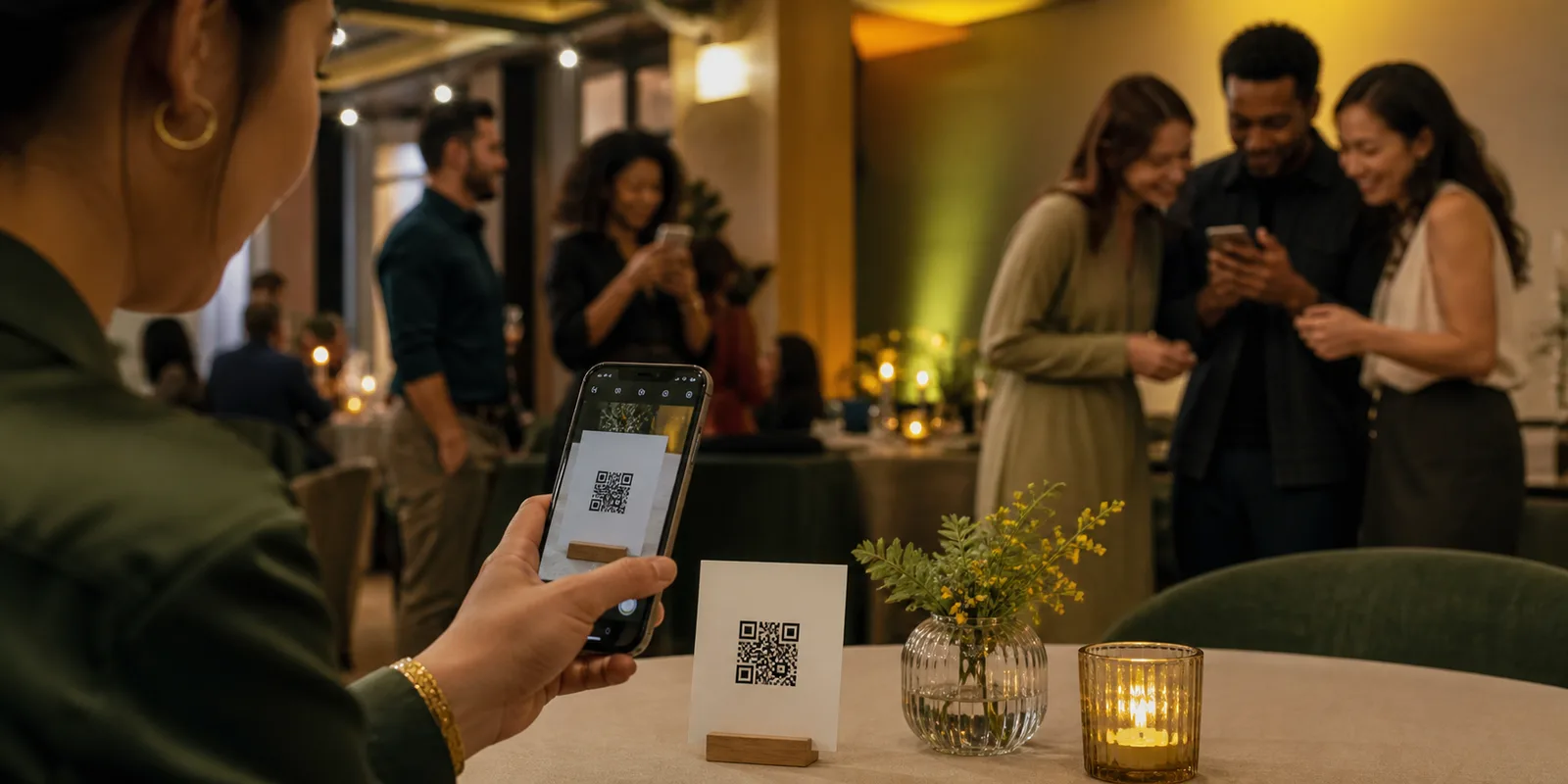
Guests scan the QR code on the night, take photos or upload from their phone, and everything lands in that event's gallery. No app, no account, and no mixing last week's party with this week's.
Why this works better than a group chat
For your guests: they get all the photos from the night in one place, in good quality, and can find them again later. People who were at a birthday party want those photos. Giving them an easy way to get them is a nice touch they remember.
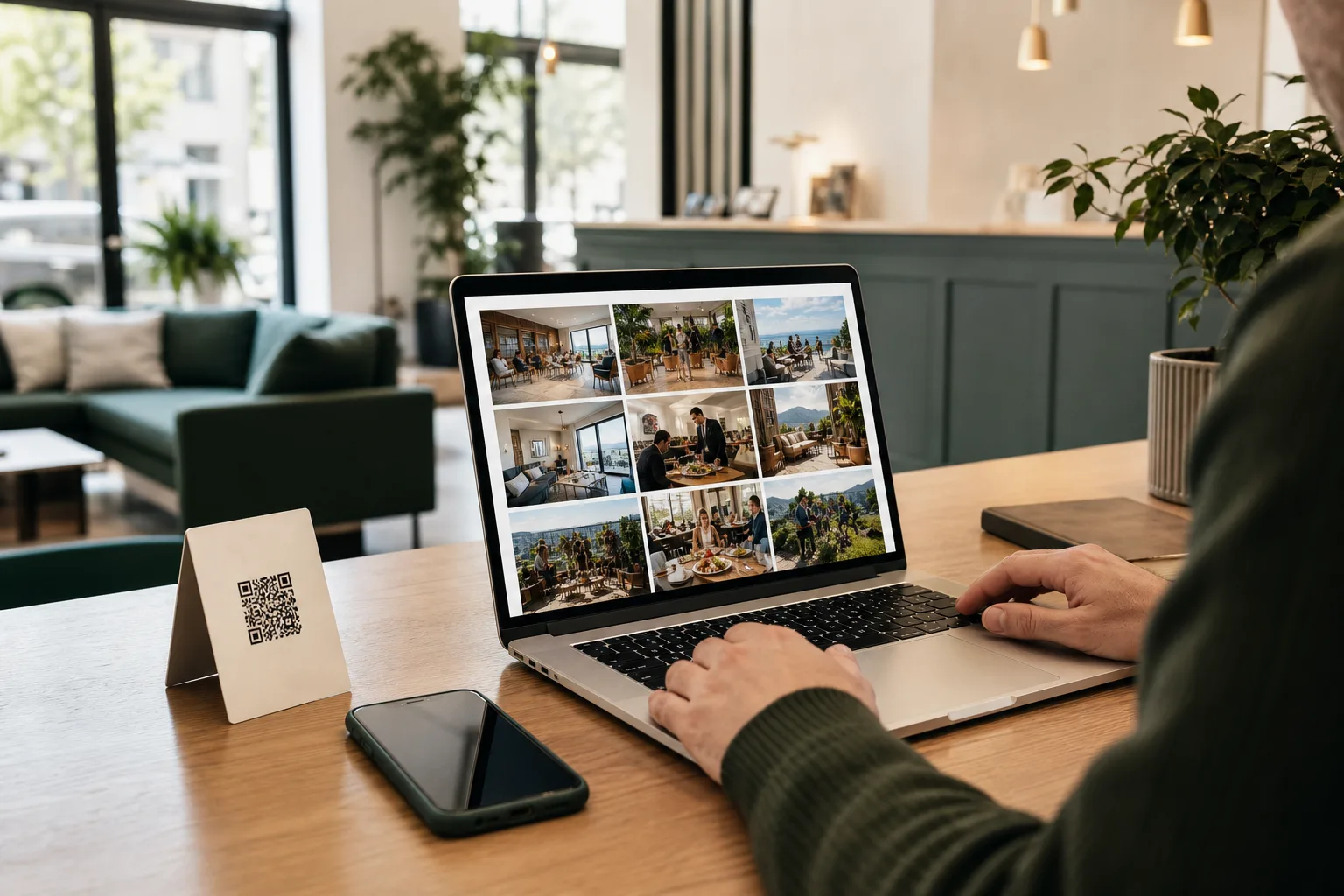
For you: every photo also comes to you. Approved photos from your events become content for your own social media, showing a busy, fun venue to people deciding where to go next weekend.
Private bookings are a selling point
When someone books your space for a birthday, a leaving do or a company party, a shared photo gallery is a small extra that costs you almost nothing and makes the booking feel more special.
You can keep a private booking's gallery private, so only the guests with the link can see it, and turn on manual approval so you review photos before they appear. The host gets a full download after the event. It is the kind of detail that gets mentioned when they recommend you to friends.
Choosing when photos appear
Each event can have its own reveal setting:
- Live for a party atmosphere, especially with a screen in the room.
- After the event for a "here are your photos" moment the next day.
- A set time that suits the host.
If you have a TV or projector, approved photos can play on a live screen during the night. People take more photos when they can see them appear.
Use the photos to sell the next event
This is where events pay off twice. After each night:
- Pick the five best photos.
- Post them with the date of the next event.
- Tag the night ("Quiz Night #12") so regulars can find themselves.
People who see themselves in your posts share them. Their friends see a venue full of people having a good time, with a date to come along. That is better than any poster.
Where to put the QR code on the night
- On every table, next to the quiz sheets or menus.
- On the bar.
- On the screen between rounds or sets.
- In the host's announcements: "Scan the code on your table to get tonight's photos".
The last one matters most. A single mention from the person on the mic gets more scans than any sign.
Getting started
If you already use Everyguest for your venue, you can create an event from your dashboard and print its QR code in a few minutes. If you are new, you can start free and run your first event gallery before paying anything.
For a step by step setup, see our event gallery planning guide or read more about Everyguest for events.