
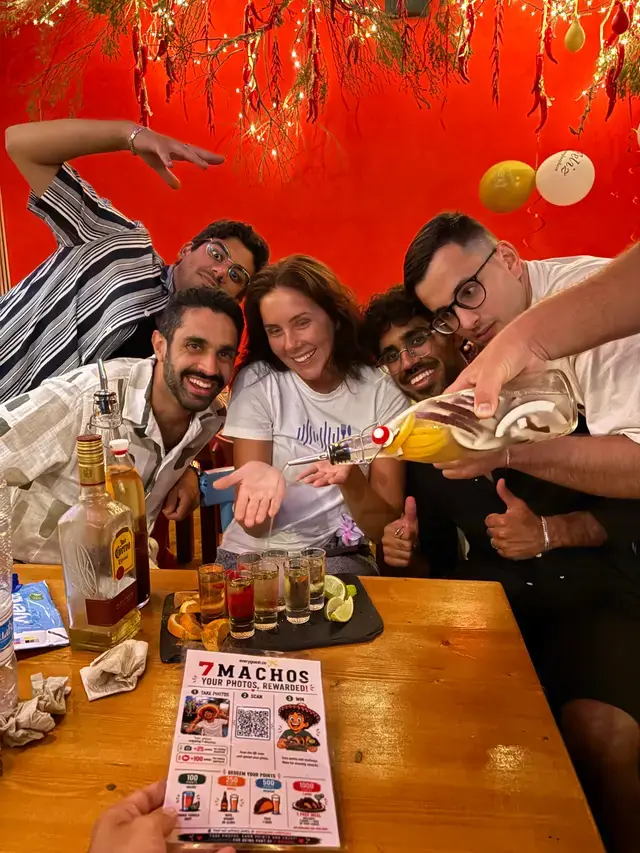
7 Machos
Food & drink · Palma, Spain
Collect the photos your guests already take.
Approve your favourites and turn them into marketing, with permission built in.
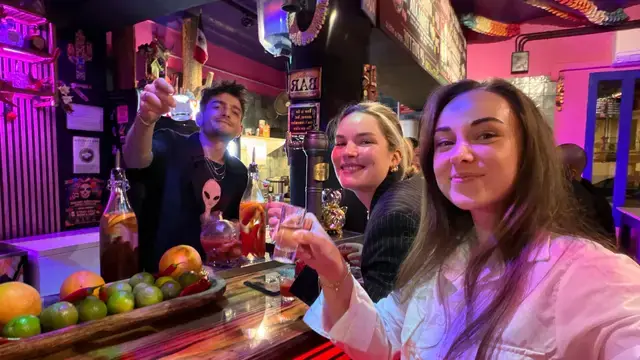
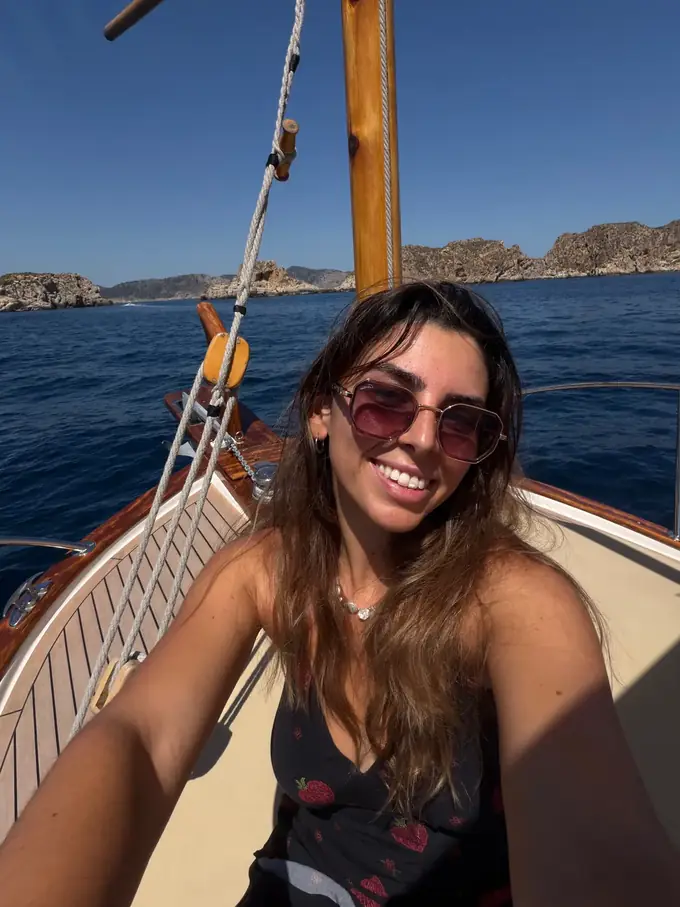

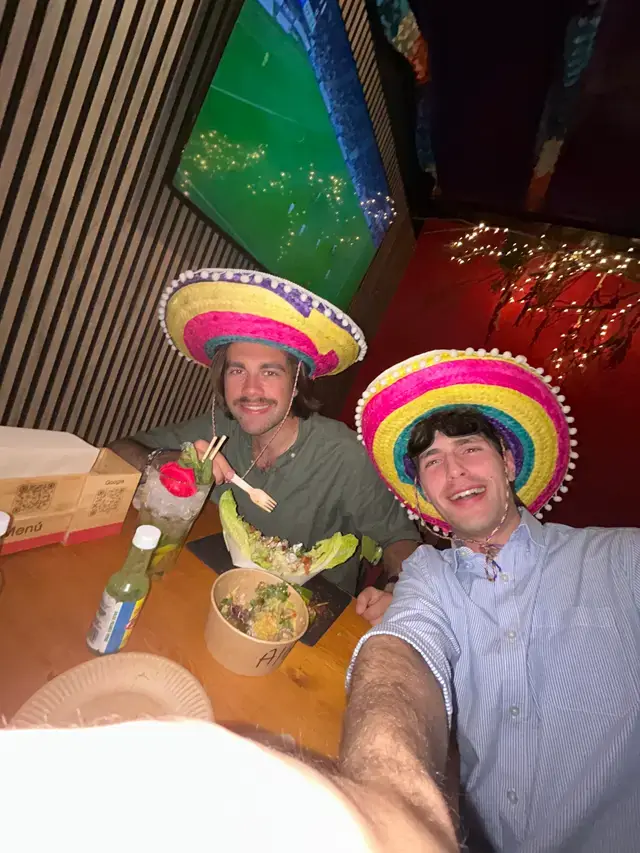
Real moments collected by:








Explore
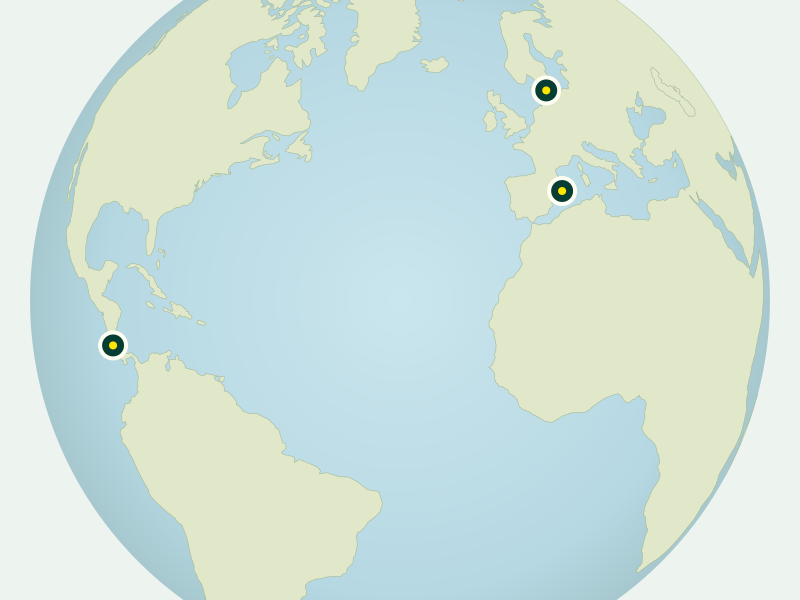
2 places shown
Food & drink · Palma, Spain

On the water · El Toro, Spain
 Your next good place awaits
Explore every venue
Try another city, venue name, or category.
For guests
Open your phone camera and point it at the Everyguest QR on a table, sign, or card. Your venue’s sharing page opens right in your browser.
Choose the photos you want to share. Check the venue’s offer and the photo permissions before uploading—what you share is always up to you.
Your venue reviews your photos. When an upload earns the offered reward, show it to a staff member to redeem. Offers vary by participating venue.
Clear permissions before you upload. Marketing use is a separate opt-in.
For venues
One QR brings guest photos together. Fewer DMs, more moments worth sharing.
Review the photos and approve what fits your venue. You’re always in control.
Keep consent attached to the content, with a separate opt-in for marketing use.
How everyguest works
Guests scan your venue’s QR code and share a photo. You review it and choose what to approve. Then use approved photos on your website, social channels and email where the guest has given the relevant permission. Choose a step below to explore the illustration.
Good content starts with your guests.
See it in a demoGood to know
No app download is needed, but guests do need an account. They scan your venue’s QR code, sign in or create an account, and share photos in their browser.
Participating venues choose their own thank-you, such as a drink or a discount. Guests can see the offer before sharing and redeem it once their photo is approved. Rewards vary by venue.
Your venue does. Photos go through review before appearing publicly, so your team chooses the moments that represent your place.
Only where the guest has given the relevant permission. Sharing includes clear consent, and marketing use has a separate opt-in. The consent record stays with the photo. Learn about permissions.