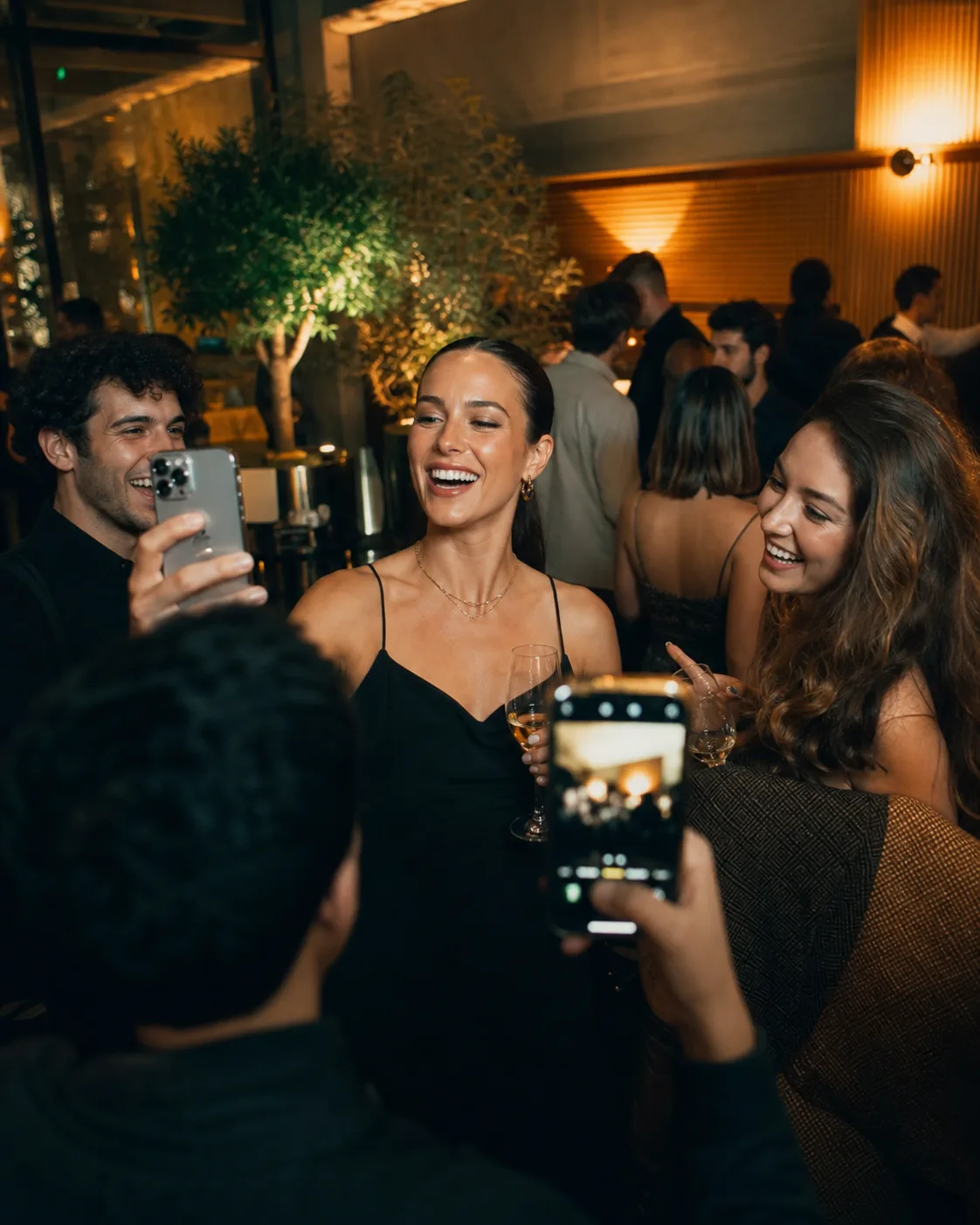
Launch party
Live now
Private event camera by EveryGuest
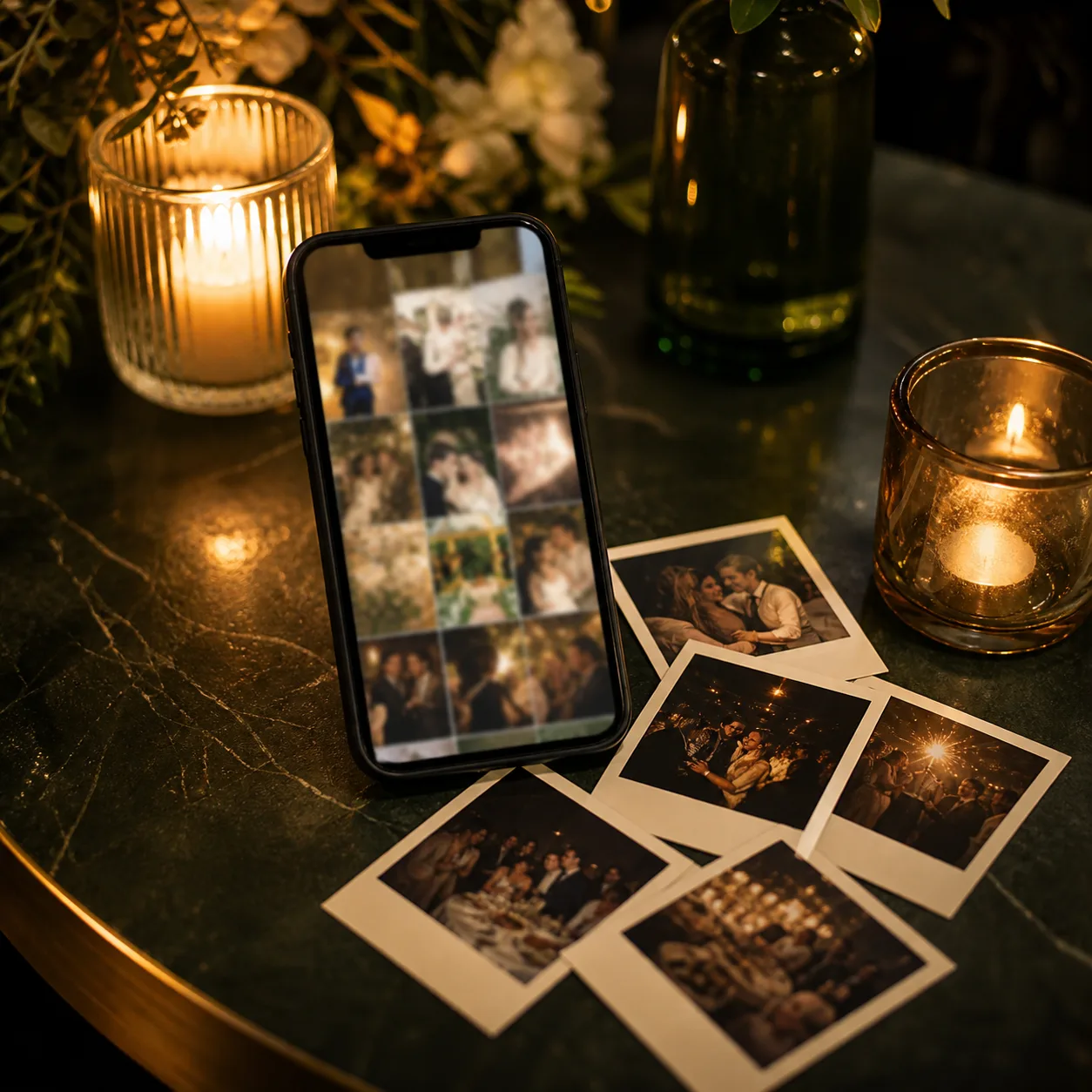
Guests scan one QR and add the photos only they could take: the table laughs, the dance-floor proof, the backstage bits, and the parts no official camera can reach.
Test it out
LIVE CAMERA
126 moments added

Built for event teams
Three-step flow
Set the event once, put one QR where guests can see it, then let the room build a private gallery together.
Name the event, choose the reveal style, and decide how many shots each guest gets.
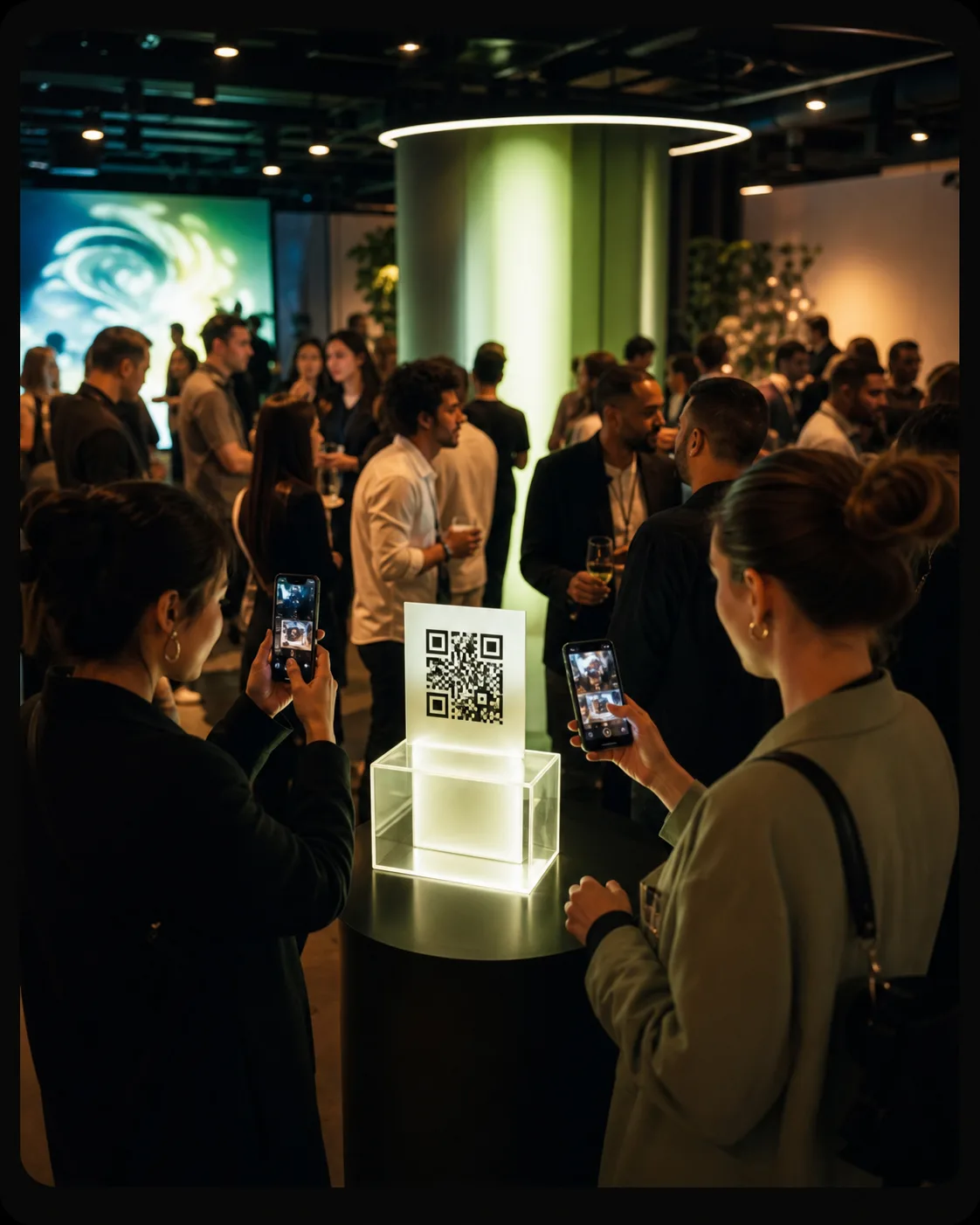
Add the QR to tables, screens, invites, wristbands, or posters so guests can join in seconds.
People add what they are already seeing while you choose what appears live and what stays private.
Use cases
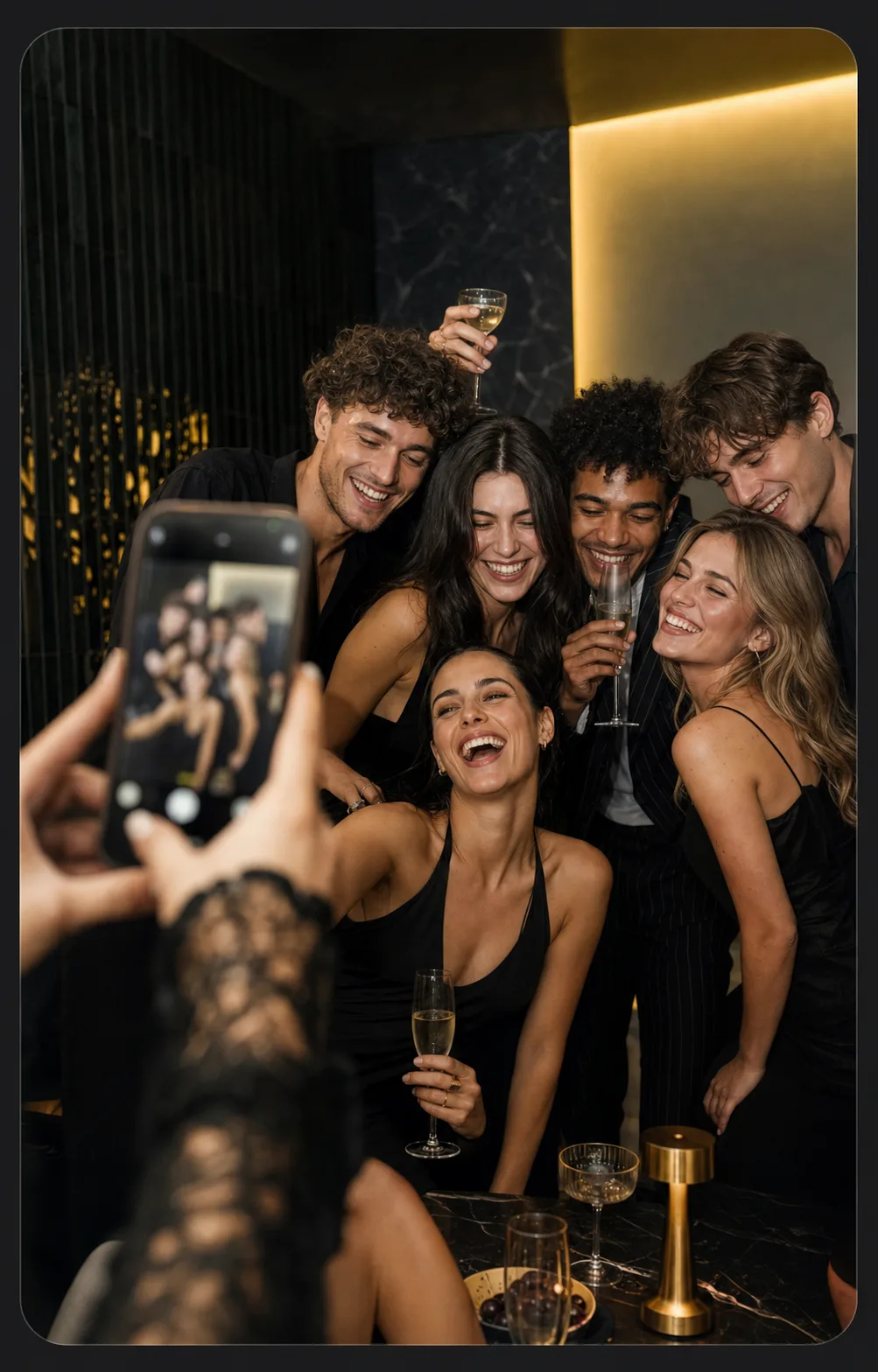
The table laugh, the rush after the toast, the group that gathered by accident. EveryGuest turns those pieces into one gallery instead of a hundred lost chats.
LIVE CAMERA
126 moments added
Control for hosts
Guests get the simple part: open, shoot, keep moving. Hosts keep privacy, review, live display, and the final download under control.
Each event has its own private space, so photos stay with the people you invited.
Let guests send freely, then approve the shots that appear on screens or shared galleries.
Approved photos can land on a live display, giving guests a reason to keep contributing.
Download the set for thank-you notes, recaps, socials, sponsor reports, or your own archive.
What you get back
One source of truth gives the event team a faster handoff, a more useful story, and control over what the room sees.
One feed gives hosts faster approvals and a cleaner path from event to recap.
Photos from every table and angle become shareable content for social recaps or press.
Keep approvals and visibility decisions with your team before anything goes public.
Built around the room
The same private camera adapts to the pace of the room without turning guests into software users.
Wedding planners
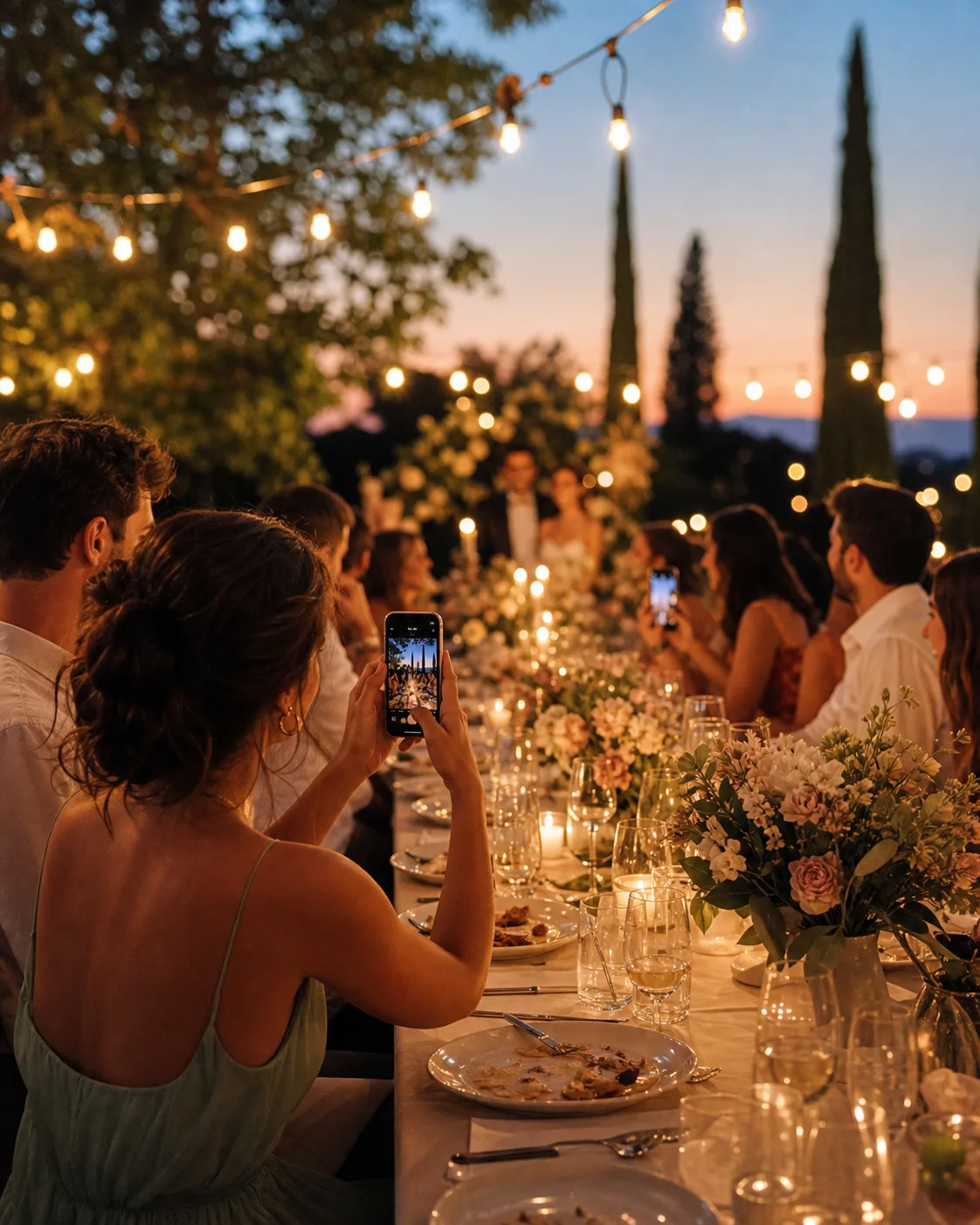
Keep table photos, dance-floor moments, and the morning-after gallery in one private event space instead of scattered chats.
Brand and conference teams
Review guest angles while the room is still live, then leave with a cleaner set for recaps, sponsors, and social teams.
Private hosts
One familiar QR opens the camera in the browser, so people can add their view without accounts, downloads, or instructions.
Pricing
Try the complete flow free for up to 10 guests. Paid event packages grow with the room, not with a subscription you do not need.
No app for guests. No monthly plan required for one-off events.
Choose your plan
Wedding
Up to 75 guests
€18.99
The classic wedding-size guest camera.
FAQ
No. Guests scan the QR code and the camera opens in their browser. It feels like joining the event, not signing up for software.
Scan. Share. Remember.
Setup takes minutes. Guests join in the browser.