Wedding Photo Sharing Without WhatsApp: A Simple QR Guide for Couples
Your photographer will capture the ceremony, the first dance and the family portraits. Your guests will capture everything else: the dance floor at midnight, your gran laughing, the moment your best friend cried during the speech.
Those are often the photos couples end up loving most. And they are the ones most likely to get lost.
The problem with the usual ways
The WhatsApp group. Someone creates it, 80 people join, and within an hour it is full of blurry photos, "who has the video of the speech?" and three uncles replying to everything. The photos are compressed and impossible to download in one go.
"Send them to me after." A handful of people do, a week later, by email, in different sizes. Most never do.
Disposable cameras on tables. Charming, but you pay for developing and half the shots come back as thumbs and ceilings.
A simpler way: one QR code, one private gallery
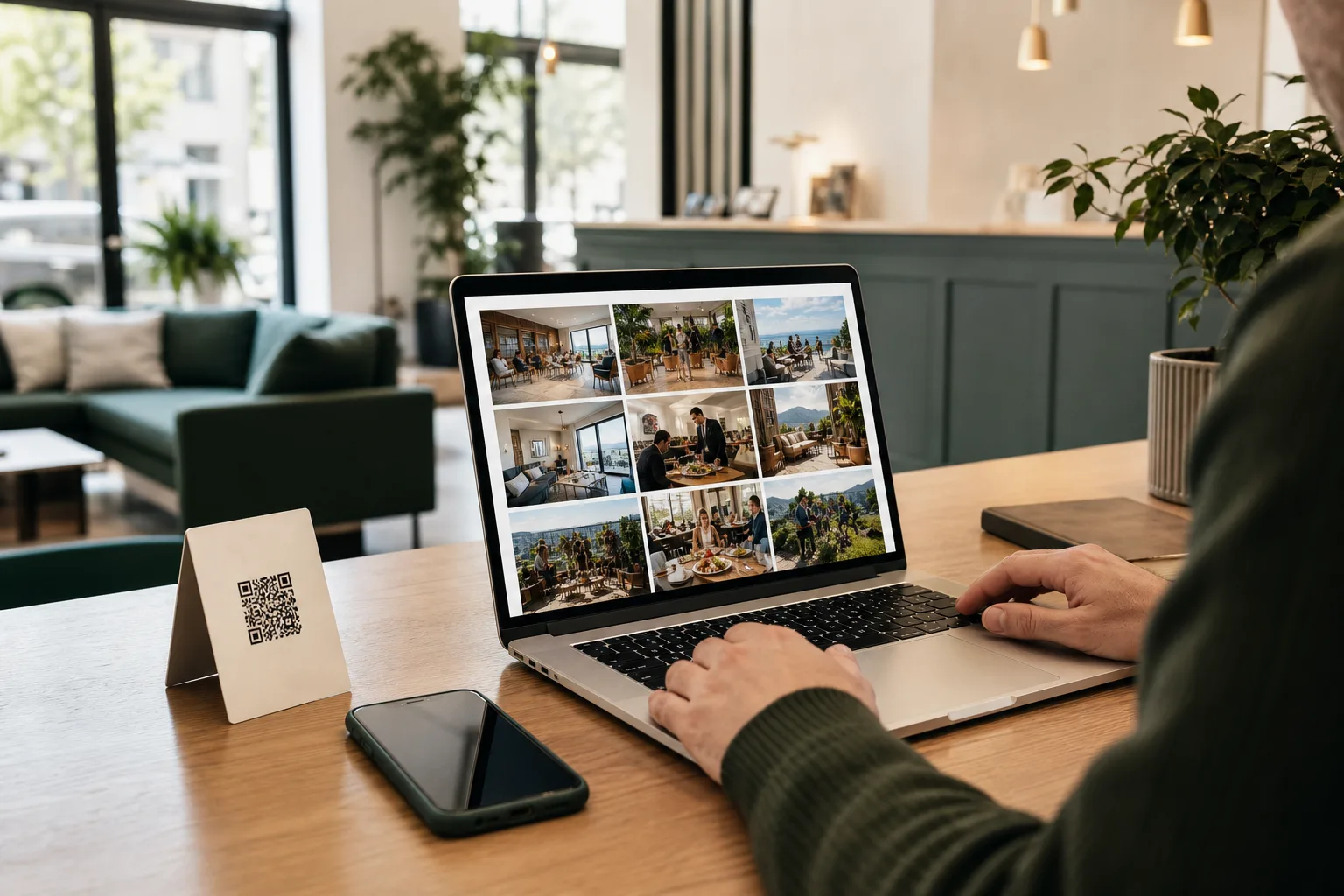
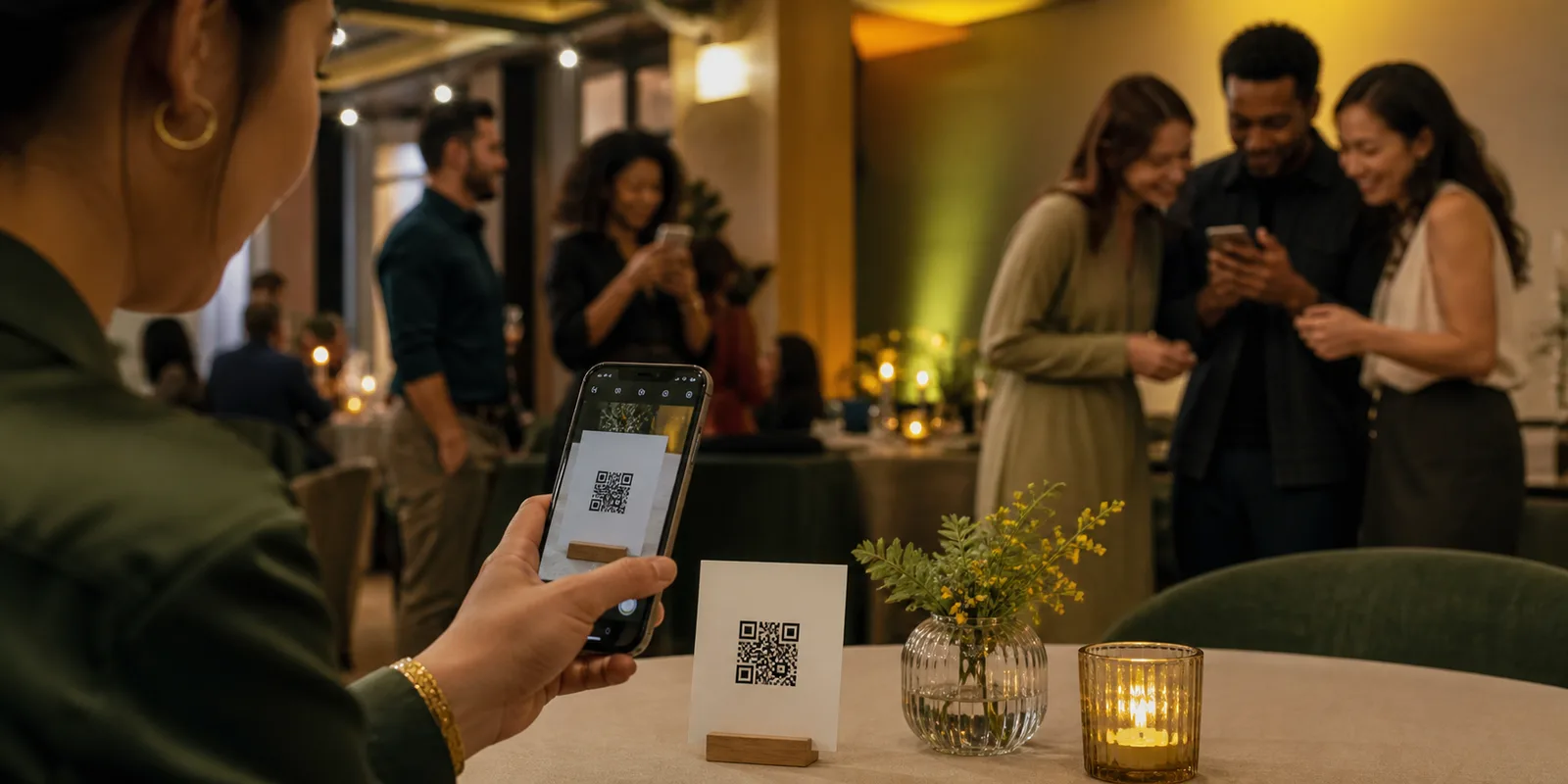
With a QR code on each table, guests scan with their phone camera and a camera opens straight in their browser. No app to download, no account to make. They take photos or upload ones they already took, and everything lands in one gallery that belongs to you.
Step 1: Decide when photos are revealed
This is the fun part. You can choose:
- Live: guests see photos appear during the day.
- After the event: photos stay hidden and are revealed the next morning, like getting your disposable camera prints back.
- A later time you pick: for example the day you get back from the honeymoon.
Many couples love the morning-after reveal. Everyone wakes up, opens the link, and relives the night together.
Step 2: Choose who sees what
Weddings are personal. You can keep the gallery private, so only people with the link can see it, and turn on manual approval so you review photos before anyone else sees them. That way the photo of Uncle Dave asleep under the table only appears if you say so.
Step 3: Put the QR code where guests will see it
Good spots at a wedding:
- Table cards next to the place names.
- The welcome sign at the entrance.
- The bar, where people wait with their phones out.
- On a screen, if you have one at the reception.
Add one short line like "Scan to share your photos with us" so nobody has to guess.
Step 4: Show photos on a screen (optional)
If your venue has a screen or projector, approved photos can play on a live screen during the reception. Guests love seeing their own shots appear, and it encourages more people to join in.
Step 5: Download everything after
When the day is over, you can download the whole collection from your event workspace. Full quality, all in one place, no chasing anyone.
Tips from real events
- Ask one friend to remind people. A quick mention in the best man's speech gets more scans than any sign.
- Put it on the invitation too. Some guests like to upload photos from the hen do or the night before.
- Keep the gallery open for a few days. People find more photos on their phone once they get home.
Planning a wedding?
You can set up an event gallery in a few minutes and test it yourself before the big day. See our full 8-step event gallery plan or see how Everyguest works for events.