How One Busy Night Can Fill a Restaurant's Instagram for a Month
Every busy Friday, hundreds of photos are taken inside your restaurant. Tacos held up to the light. Friends toasting. The band in the corner. A birthday cake arriving with sparklers.
Almost none of those photos ever reach you. They sit in camera rolls, a few end up in Stories that disappear in 24 hours, and your own Instagram still shows the same five pictures from the last photoshoot.
This guide shows how to catch that content on purpose, and how one good night can become a month of posts.
Why your guests take better photos than you think
Professional photos look great, but they all look the same. Guests capture what it actually feels like to be there: the crowd, the noise, the half-eaten plate, the friend laughing mid-sentence.
That is exactly what someone deciding where to eat tonight wants to see. They are not asking "is this restaurant beautiful?" They are asking "will I have a good time there?"
Real guest photos answer that question better than anything you can stage.
What happened when we tried it on a real night
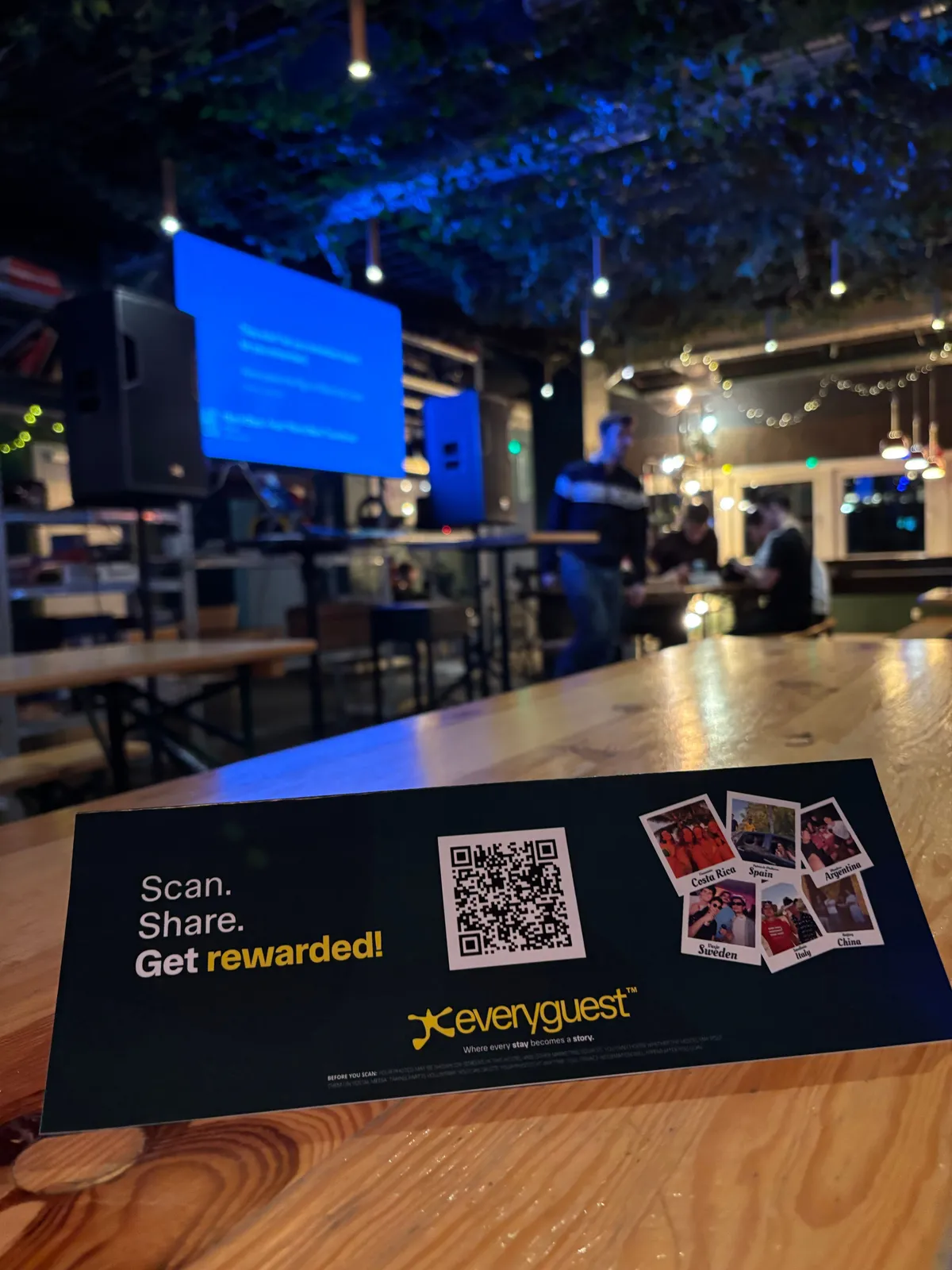
At our first live trial at 7 Machos in Santa Catalina, Palma, the restaurant was celebrating its 11th birthday on Cinco de Mayo. We placed 42 flyers around the room.
Over the evening, guests scanned the QR code 97 times, and the night ended with 61 approved photos and videos. Food, drinks, mariachi moments, full tables and a lot of laughing.
One evening. Sixty-one pieces of content the restaurant did not have to shoot itself. You can read the full story of that trial.
Step 1: Pick your night
Not every night is equal. Pick an evening where the room is already full of energy:
- a live music or DJ night;
- a themed evening or anniversary;
- a big match on the screens;
- your regular busiest night of the week.
The more people enjoying themselves, the more photos get taken anyway. You are just giving them somewhere to send them.
Step 2: Put the QR code where phones already are
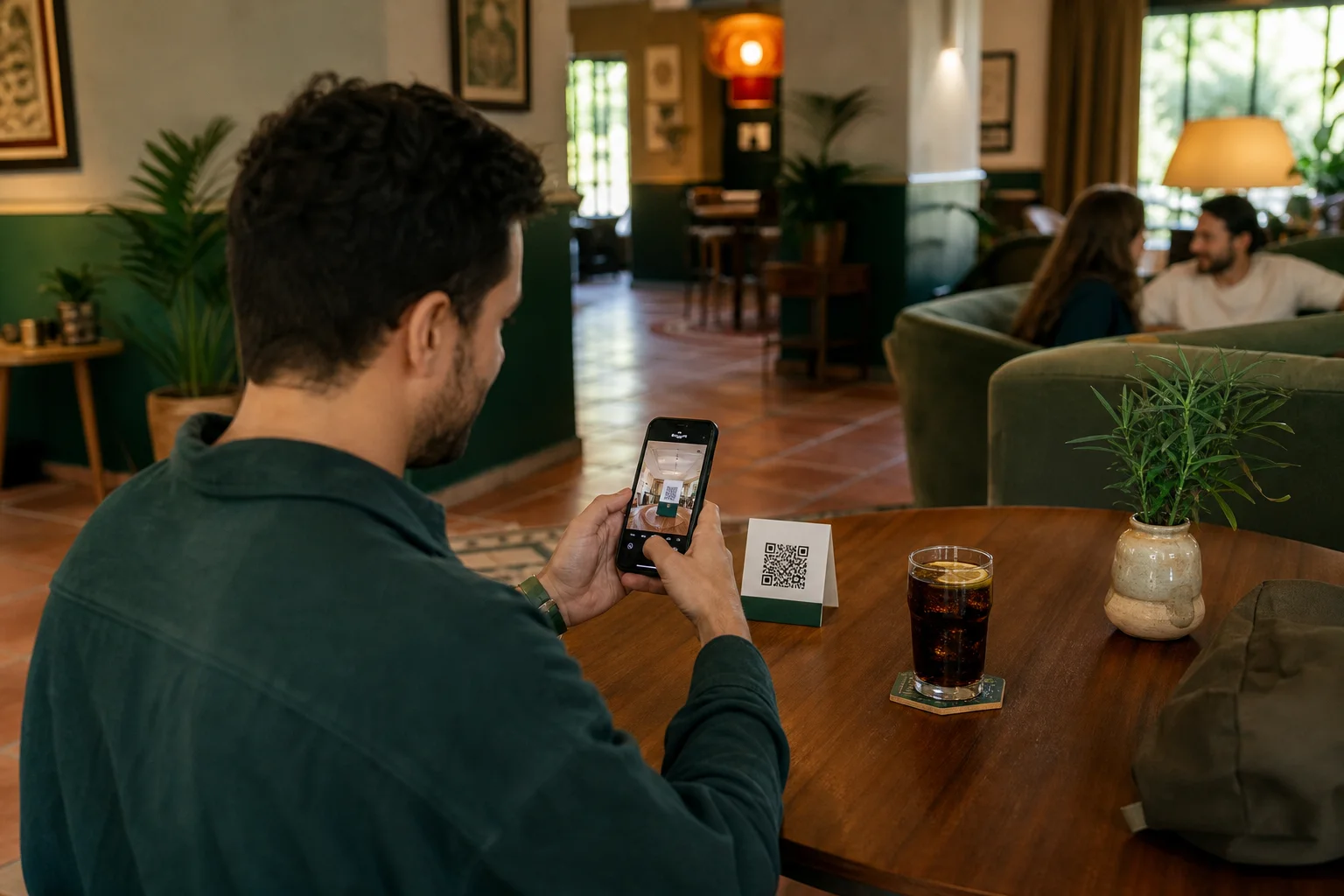
Guests scan when the QR code is in front of them at the moment they are holding their phone. That usually means:
- Table cards or tents, right next to the plates people are photographing.
- The bill holder, when people are relaxed and waiting.
- The bar, where people wait for drinks with nothing to do.
- The bathroom mirror, which sounds odd but gets scanned.
Your own team can print the QR code straight from the dashboard in a size that suits the spot. Our QR signage placement guide goes deeper on testing spots.
Step 3: Give a reason to upload
People share more when there is something in it for them. With Everyguest, guests earn points for each approved photo or video and swap them for rewards you choose, like a free drink or a dessert. They redeem on their own phone, so your staff do not need to do anything at the till.
Keep the first reward close. If the cheapest reward needs ten photos, most guests will give up after two. A small, reachable first reward does far more than a big one nobody reaches.
Step 4: Review before anything goes public
Every upload lands in your approval queue first. You decide what is approved, and nothing appears on your page until you say so. Blurry shots, photos of strangers who did not agree to be photographed, or anything off brand simply get rejected.
If you are busy during service, review the next morning over coffee. The photos are not going anywhere.
Step 5: Turn one night into a month of posts
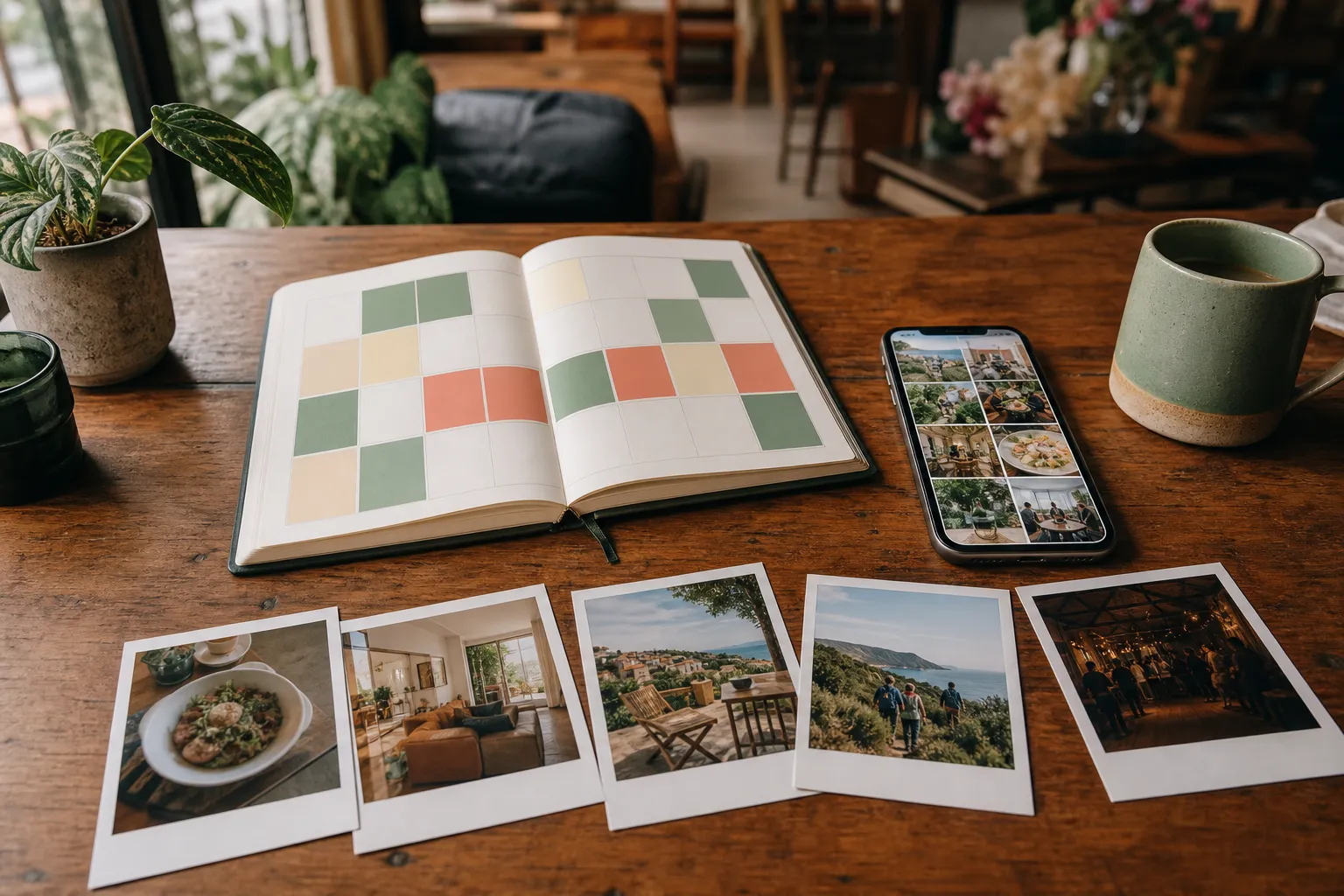
Here is the part most venues miss. Sixty photos is not one post. It is a calendar.
A simple way to spread them out:
| Week | What to post |
|---|---|
| Week 1 | The night itself: a short recap reel and the best crowd shot |
| Week 2 | Food and drink close-ups, one per post, each with the dish name |
| Week 3 | People moments: groups, birthdays, the staff in action |
| Week 4 | "Next one is coming" teaser using the best photos, plus the date |
That is 10 to 15 posts from one evening, every one of them showing real guests. The Everyguest scheduler lets you plan them across the month from the same place you approved them. For more ideas, see our guest photo content calendar.
A few things to get right
- Ask before you reuse. Guests agree to share when they upload, but always credit and be respectful, especially with photos of people.
- Do not reward reviews. Rewarding photos is fine. Rewarding Google reviews breaks the rules of most review platforms. We explain the difference in how to reward guest photos without incentivising reviews.
- Thank people. A quick "thanks for the photos" story repost makes the next night's guests more likely to join in.
Try it on your next busy night
You do not need a photographer, a content plan or extra staff. You need a QR code on the tables and a reason for guests to use it.
Everyguest has a free Starter plan so you can see what your guests capture before you pay anything. Start free or see pricing for venues.