What Is Everyguest? The Guest Photo Platform for Venues and Events, Explained
The short answer
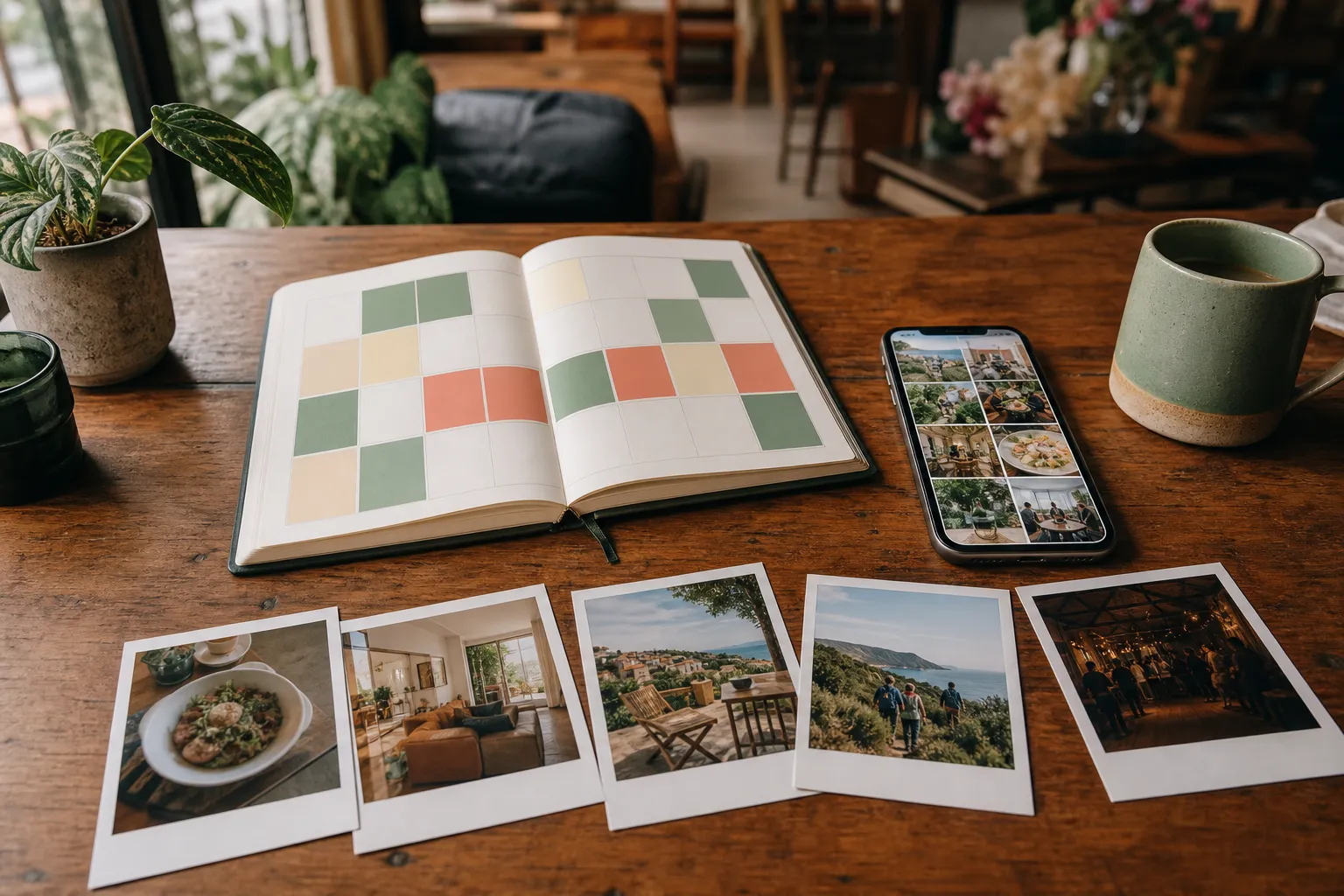
Everyguest is a platform that turns guest photos into marketing content you are allowed to use. A guest scans a QR code at your venue or event, uploads photos or short videos from their phone, and earns a reward you choose. You approve the shots you actually want, and the approved ones become a rights-cleared library you can publish to your website, socials, email, ads, and on-site screens.
It runs at everyguest.co. Some people write the name as EveryGuest and some as Everyguest. Same platform either way.
Everything below is detail.
The problem it solves
Your guests already photograph your place. Almost none of it reaches you.
What does reach you arrives in fragments: a tagged story you spot two days late, a screenshot in a WhatsApp thread, a clip sitting on a manager's phone. You have no permission to run any of it in an ad. And the alternative, a professional shoot, costs real money, takes weeks to schedule, and looks stale by the next season.
Everyguest sits between those two problems. It collects guest content on purpose, with permission attached, in one place.
How it works, in three steps
1. Collect
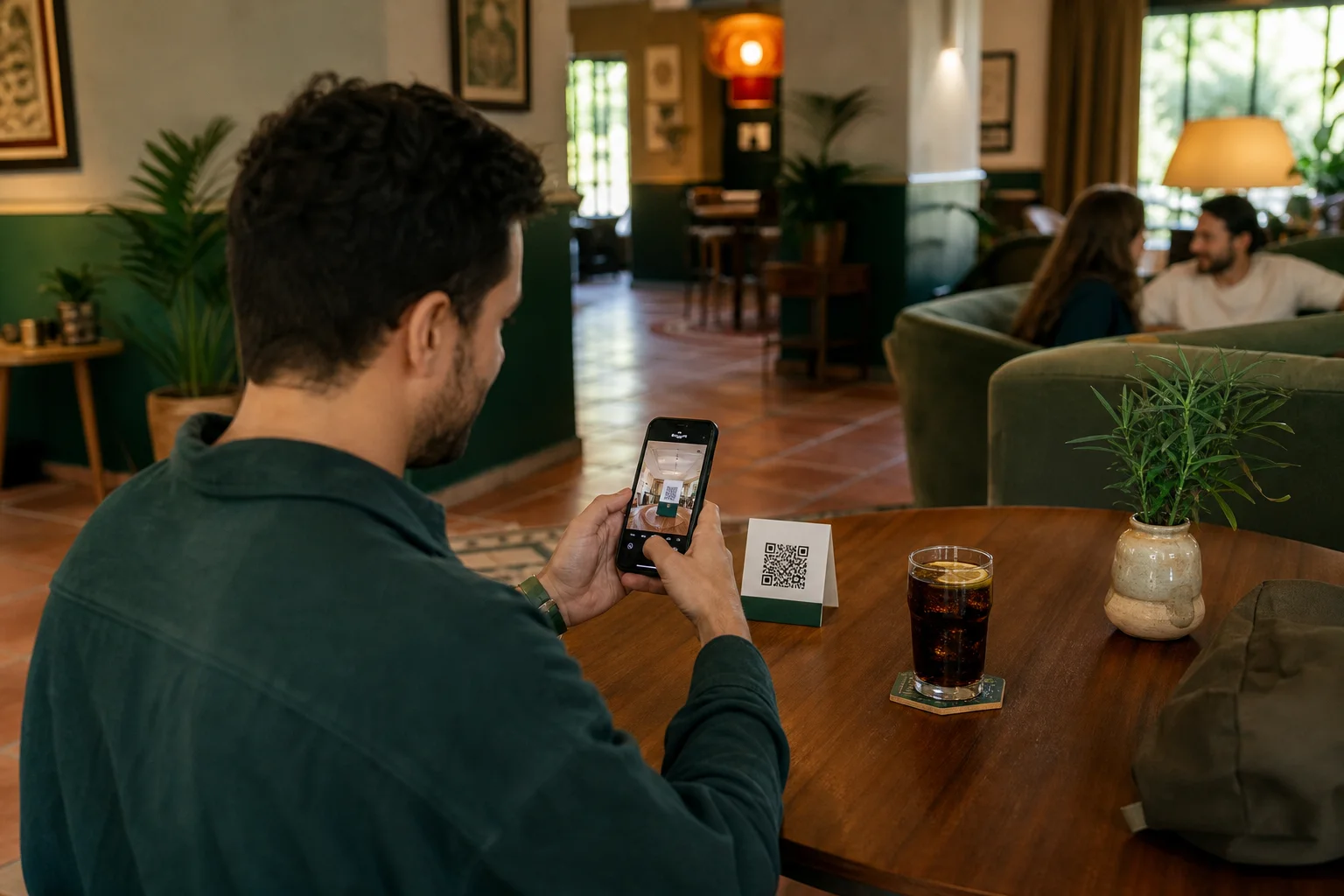
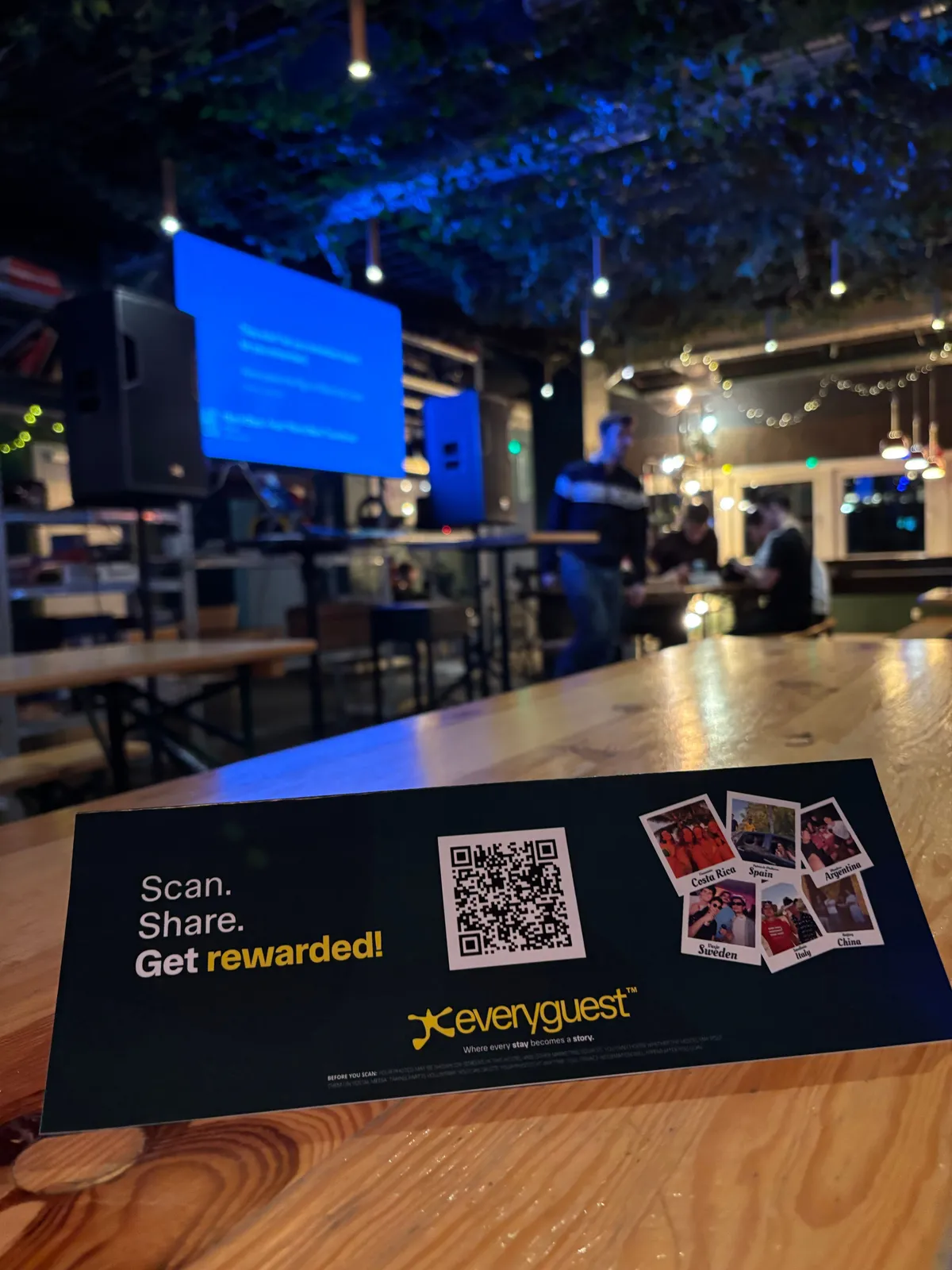
You put a QR code where guests already are: on a table, a coaster, a mirror, a room card, a boat, a wedding table plan. The guest points their camera at it and the upload page opens in their browser.
No app download. No account to create before they can start. That single detail is the biggest reason guests take part instead of tapping away.
The flow also works on normal mobile data, so guests can upload on 4G or 5G without touching your WiFi. That matters more than it sounds for busy bars, outdoor terraces, and boats.
2. Curate
Nothing publishes on its own.
Every upload is checked automatically first, for quality and for anything unsafe or inappropriate. What survives that check lands in your approval queue, where you see it and decide. Approve, reject, and only the approved photos exist as far as your channels are concerned.
You stay in control of the brand. The platform just makes it fast to say yes.
3. Publish
Approved content becomes one library that feeds everywhere you already post:
- your website, through an embeddable gallery widget
- Instagram, TikTok, and Facebook, with scheduled posts
- email campaigns to your guest list
- paid creative and print
- screens and slideshows on site
Approve once, use it in many places. That is the point of collecting it properly in the first place.
What the guest gets
This is the part most people underestimate. Guests share because there is something in it for them.
You decide the reward: a free drink, a dessert, a discount, loyalty points, a small perk. When a guest's photo is approved they earn points, and they redeem the reward on their own phone by swiping and showing it to a staff member. Your team does not need to operate anything or learn a new till system.
The guest journey is: scan, upload, earn, redeem. Four steps, all on their own device.
What the owner gets
Owners and marketing teams get a dashboard covering the whole loop:
- Approval queue for incoming photos and videos
- Rights-cleared library of everything approved
- Social scheduling for approved content
- Email campaigns to guests who opted in
- Website widget to show a live gallery on your own site
- QR code tools to create, print, and track codes per table, room, or location
- Analytics on scans, uploads, and what content is performing
- Rewards setup, including how many points each type of content earns
If you run several properties, they sit under one account.
Who it is built for
Everyguest is used by two different kinds of customer, and they buy differently.
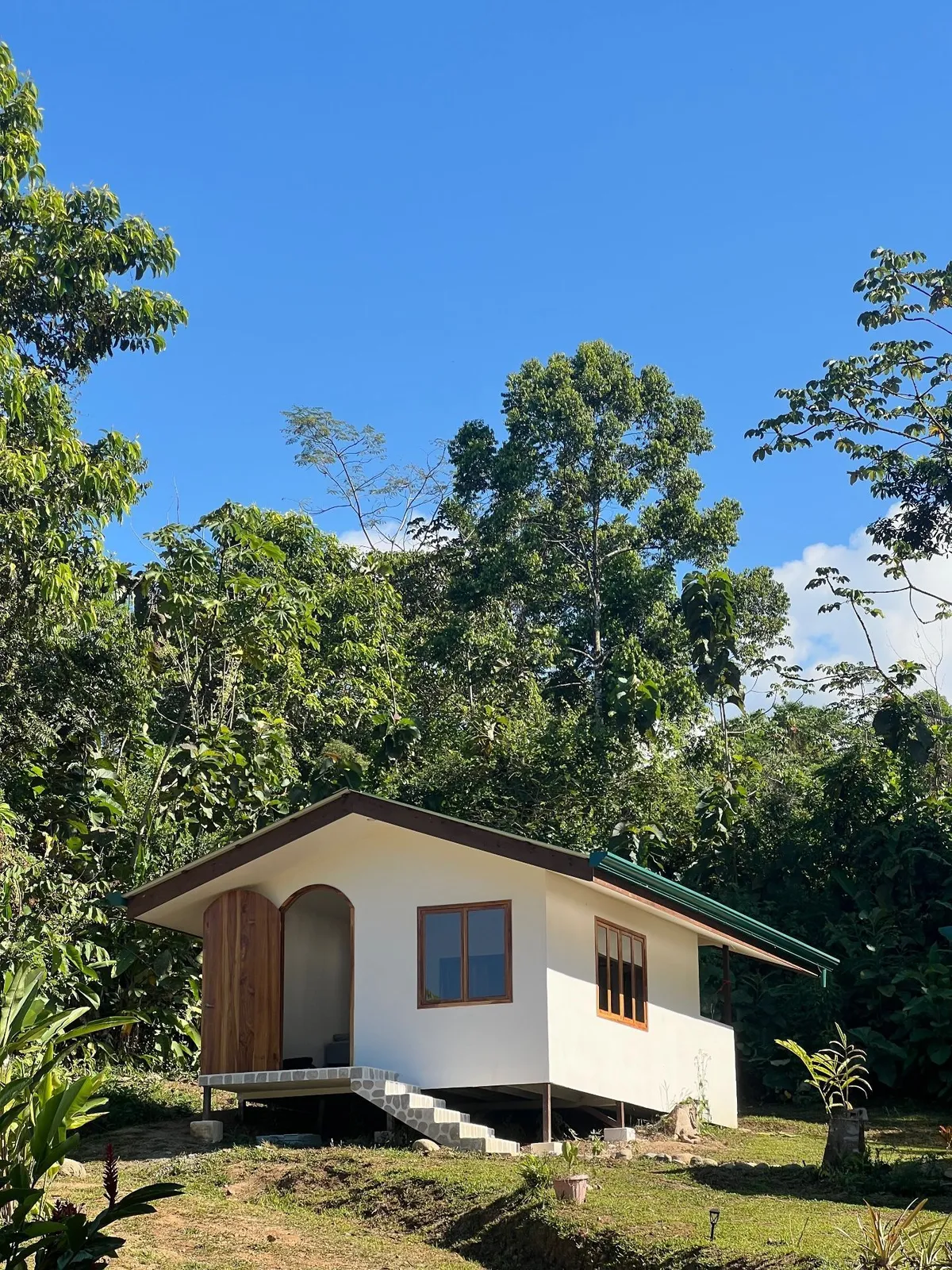
Venues run it continuously: hostels, hotels, restaurants, bars, cafés, boat and charter operators, and mobile operators like DJs and entertainment businesses. The QR code stays in place, content keeps arriving, and the marketing library keeps refilling itself.
Events run it once: weddings, festivals, parties, corporate events. Guests photograph the night, everything lands in one gallery instead of scattering across a hundred camera rolls, and the organiser gets a branded gallery or slideshow to share afterwards.
The interface adapts to the type of venue you pick. A charter or a mobile DJ never sees the features that assume a fixed display on a wall.
Permission, moderation, and who owns the photos
This is what makes guest content usable rather than risky.
Guests give clear permission when they upload, and there is a separate opt-in for marketing use. So a photo only appears in an ad or a campaign when that specific guest agreed to it. Permission-first, not permission-assumed.
On top of that, two gates stand between an upload and the public: the automatic safety and quality check, then your own approval. Nothing skips both.
There is a fuller write-up on the security page if you need to show it to someone who asks harder questions.
How long setup takes
Most venues are collecting the same day.
You place or print your QR code, choose your reward, and you are live. The main judgment call is placement, and it is worth thinking about: a code on the table gets scanned, a code behind the bar does not. We help with that so the launch feels controlled rather than experimental.
What it costs
For venues, the Starter plan is 79€ per venue per month after a 30-day trial, and covers one venue with the full dashboard, approval flow, QR setup, rewards, and rights-cleared library. Both plans let teams use their own branded flyers. Pro includes one venue, everything in Starter, and additional tools and support, including a dedicated account manager. Each additional venue is billed separately; contact us for a tailored multi-venue quote.
For events, there is a pay-per-event option priced by guest count, so you can run a single wedding or festival without committing to a subscription.
Current numbers live on the venue pricing page and the event pricing page.
What Everyguest is not
Being clear about the edges helps.
- It is not a review platform. Rewards are given for sharing photos, never for leaving a positive review. That distinction matters legally and we take it seriously.
- It is not an app your guests have to install. Everything runs in the phone browser.
- It is not a replacement for your existing tools. It feeds the channels you already post to rather than asking you to move.
- It is not an automatic publisher. Nothing goes out without a person approving it.
Common questions
Do guests need WiFi? No. The flow works over 4G and 5G.
Can I use the photos in paid ads? Yes, when the guest ticked the marketing opt-in. That consent is stored with the photo.
What if someone uploads something inappropriate? The automatic check catches it, and anything that gets past the check still needs your approval before it exists publicly.
Does it work for one-off events? Yes, on the pay-per-event option.
How many QR codes can I have? As many as you need. Codes can be per table, per room, or per location, and each one reports its own scans, so you can see which placements actually work.
Where to start
If you want to see what your own guest content could look like before committing to anything, the free guest content report is the lowest-effort first step.
If you are ready to set it up, everyguest.co has the venue and event paths side by side.