How to Reward Guest Photos Without Incentivizing Reviews
A free drink for a Google review sounds like a simple promotion. It is also exactly the kind of exchange that can create a policy problem. Google Maps says businesses must not offer payment, discounts, free goods, or services in exchange for a review. Tripadvisor likewise prohibits rewards connected to a review, including discounts, upgrades, raffle entries, and small freebies.
That does not mean hospitality businesses must stop rewarding participation. It means the rewarded action needs to be different: a useful photo submission, an event-gallery contribution, a completed profile task, or another clearly defined action that is not a public review.
This guide shows how to design that separation for a hostel, hotel, restaurant, activity provider, or event venue. It is practical marketing guidance, not legal advice; check the rules that apply in your market and on every platform you use.
The simple rule: two separate lanes
Build your guest journey as two lanes that never depend on each other.
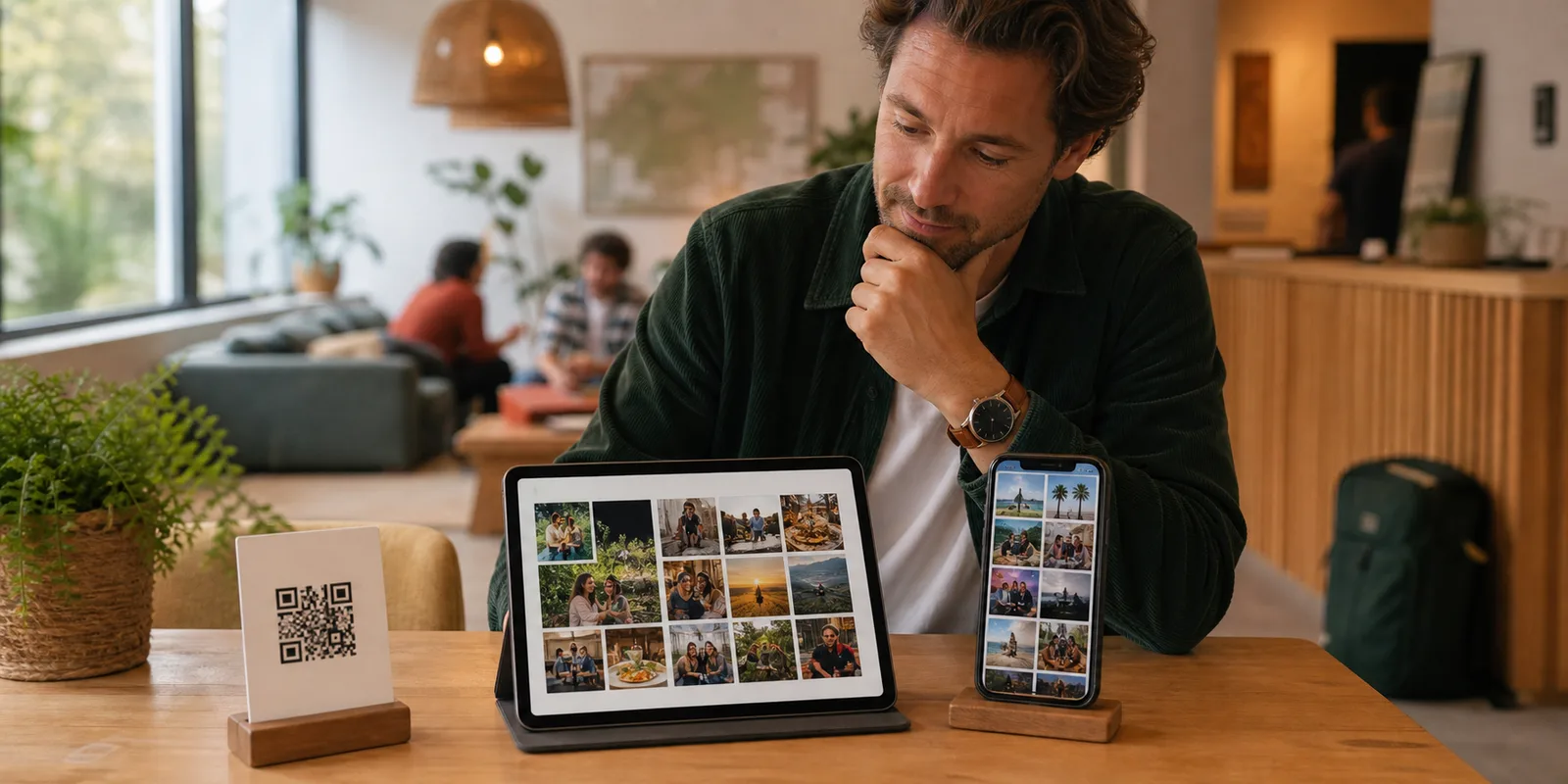
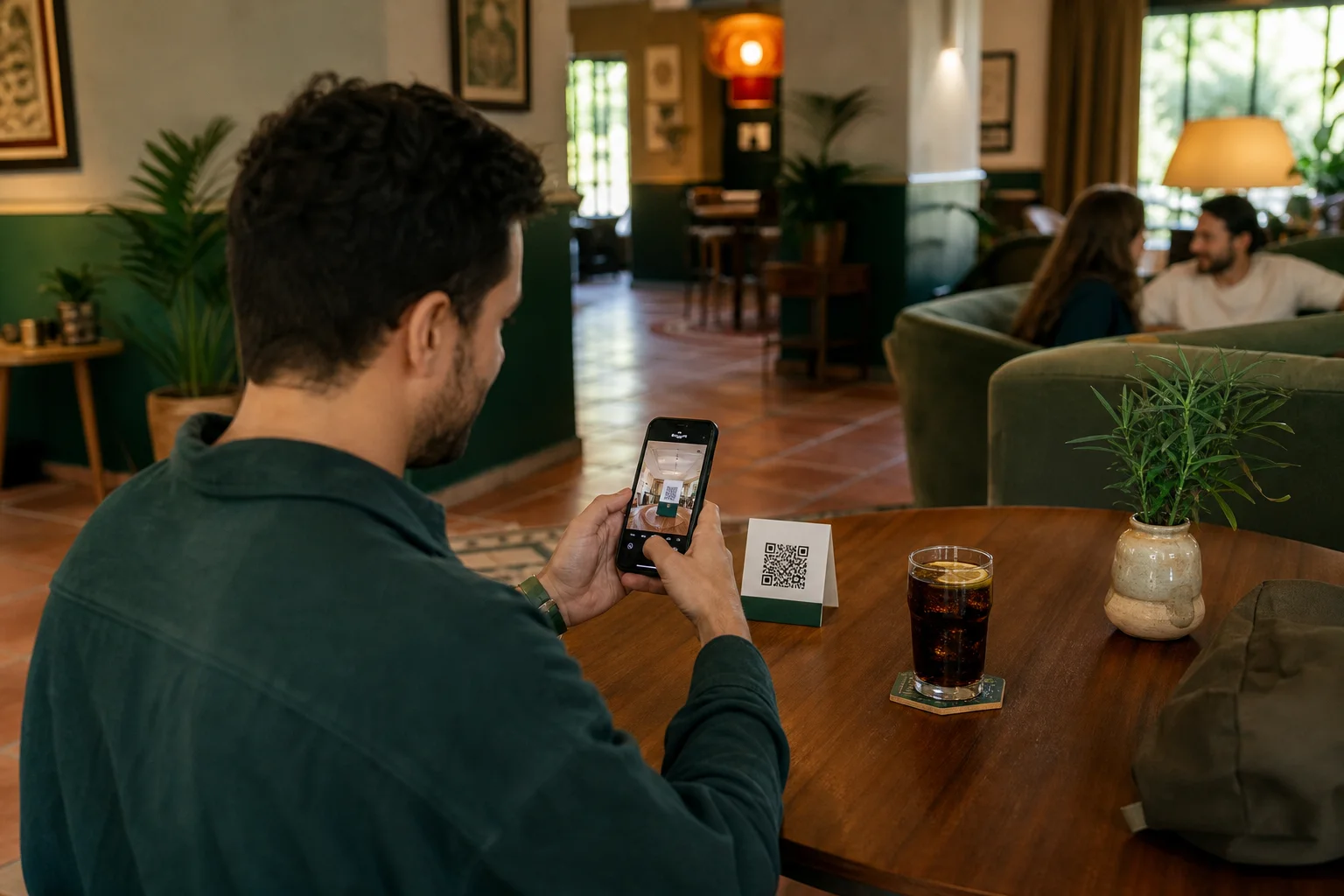
Lane one: content contribution. A guest scans a QR code, uploads an original photo or short video, chooses the allowed uses, and receives the stated points or perk if the submission meets neutral criteria.
Lane two: independent feedback. Any guest can privately tell you what went well or badly. You may also invite guests to leave an honest public review, but the request is optional, is not limited to happy guests, and unlocks no reward.
The wording matters. “Upload a clear photo from tonight and earn 100 points” describes a content task. “Leave us five stars for a free drink” rewards sentiment and a public rating. Even “review us for a chance to win” can be prohibited: Tripadvisor explicitly includes prize draws in its definition of review incentives, and Google Maps prohibits benefits in exchange for posting, changing, or removing reviews.
What can a photo reward be based on?
Use criteria that staff can apply without judging whether the guest praised the business. For example:
- the file was created by the guest and relates to a real visit;
- the venue, meal, activity, or event is recognisable;
- the image is usable, safe, and not a duplicate;
- people shown have not been placed in an obviously private or sensitive situation;
- the guest completes the permission choice required for the intended channel;
- the submission stays within a clearly stated daily or campaign limit.
Do not reward a caption for saying the property is “amazing,” require a five-star symbol in the image, or approve only flattering opinions. A dim but genuine photo can fail a neutral quality rule; a negative written comment should never affect whether an otherwise eligible image earns the reward.
A step-by-step setup that staff can actually run
1. Define the content job
Start with a gap in your marketing library: breakfast and common areas for a hostel, dishes on real tables for a restaurant, scenery for a tour, or guest perspectives the event photographer cannot cover.
Write one short prompt: “Share one clear photo that shows what tonight felt like.” Avoid asking for praise. The prompt should describe the subject or moment, not the opinion you hope to receive.
2. Choose a proportionate reward
Pick something easy to explain and affordable at higher participation: venue points, a soft drink, a small add-on, or a future-use discount. State its value, expiry, availability, and per-person limit before the guest contributes.
The reward should be for the eligible upload—not for posting publicly, tagging friends, writing a positive caption, or leaving a rating elsewhere. If you separately reward or sponsor a public social post, disclosure rules may apply. The US Federal Trade Commission’s endorsement guidance says a material connection such as a free meal can matter to how audiences assess an endorsement; EU consumer authorities similarly say commercial posts that earn money or other benefits must be identifiable as advertising in the European Commission’s influencer guidance summary.
3. Keep the review request independent
Ask for feedback at a different moment and on a separate screen, card, or message. Good wording is: “Would you like to share an honest review? It is optional and does not affect your points or reward.” Send the same invitation to a broad, genuine set of guests rather than only those who selected a happy face in a private survey.
Before linking to a review site, check its current rules. Tripadvisor’s business guidance allows businesses to ask for reviews but not to attach any incentive. The FTC’s guide for marketers also advises businesses to know the platform’s policy first and not ask only customers expected to be positive.
4. Ask permission by intended use
Receiving a file is not the same as having unlimited permission to publish it. Tell guests, in plain language, where their photo may appear: perhaps a venue screen, public gallery, website, organic social media, paid advertising, or none of those beyond storage and review.
Keep a record of the choice and make withdrawal manageable. Do not hide broad rights inside the reward headline. Copyright and privacy rules vary, but the basic operational lesson is stable: document what was allowed. The UK Intellectual Property Office explains that using protected material generally requires permission or a suitable licence, and that a licence can be limited to particular purposes in its copyright guidance.
5. Moderate first, then award consistently
Use the same checklist for every submission. Reject unsafe, unrelated, duplicate, or unusable files for documented reasons—not because the guest failed to praise the venue. Tell guests whether approval is automatic or manual, how long it normally takes, and when points or a perk become available.
Give every team the same sentence: “The reward is for an eligible photo upload; reviews are always optional and unrewarded.”
6. Measure the content programme, not star ratings
Track scans, uploads, approval rate, permission choices, contributors, reward cost, redemptions, and files actually used. Do not judge the rewarded campaign by review volume or average rating.
Practical examples for different venues
- Hostel: Reward an approved common-room or activity photo; offer no extra review points at checkout.
- Hotel: Ask for a guest-eye view of breakfast, a room, or an amenity; choose website permission separately.
- Restaurant: Reward a table or atmosphere photo without requesting stars or a positive caption.
- Activity provider: Ask for a clear, safety-compliant route photo without requiring a public post.
- Event venue: Collect a private gallery contribution; request marketing permission separately.
Pre-launch checklist
- The rewarded action is an upload, not a review, rating, or review change.
- Eligibility rules concern authenticity, relevance, safety, and quality—not praise.
- Reward value, limits, expiry, and availability are visible before participation.
- Review requests are separate, optional, honest, and unrewarded.
- Staff use the same approved wording at every touchpoint.
- Guests choose the channels in which their content may be used.
- The team records approval, permission, reward, redemption, and removal requests.
- Public sponsored posts use the disclosures required in the relevant market.
- Google, Tripadvisor, and any other destination platform policies are rechecked before launch.
How Everyguest supports this separation
Everyguest is built around the content lane. Guests scan a venue QR code and upload photos or videos; the venue reviews them before public use. Optional sharing choices remain visible to the team. Approved uploads can earn venue-specific points for venue-set rewards. The owner can see the contributor, approval state, allowed channels, and later withdrawals.
That workflow does not require a guest to leave a Google or Tripadvisor review. Operators should keep any review request outside the reward condition and follow the destination platform’s current rules. If you are building a wider guest-content plan, our guide to getting more hotel guest photos covers prompts and placement, while the Everyguest security overview explains the product’s permission and moderation approach.
Frequently asked questions
Can I give a free drink for an honest Google review?
Google Maps prohibits payment, discounts, free goods, or services for posting a review. Calling it “honest” does not remove the incentive. Reward a separate action and keep the review invitation unconditional.
Can I reward a photo posted on the guest’s own social account?
Possibly, but a rewarded public post can become an endorsement. Check local disclosure rules and platform terms. A direct private upload lets you review publication and permission separately.
Should every acceptable photo earn the same amount?
Consistency is easiest to explain. If permissions change the point amount, show that before upload, never connect it to positive sentiment, and do not preselect the choice.
What if a guest withdraws marketing permission after earning points?
Keep the reward decision and future-use permission as separate records. Stop uses that are no longer allowed according to your process and applicable obligations; do not pressure the guest by threatening an unrelated review or rating consequence.
Build a reward guests and staff can understand
A good programme fits in one sentence: share an eligible guest photo, choose how it may be used, and receive the stated reward after approval. Reviews remain voluntary, honest, and outside the exchange.
Everyguest gives hospitality teams a structured way to collect, review, permission, and reward guest content without making public reviews part of the bargain. See how Everyguest works for venues or compare venue plans.