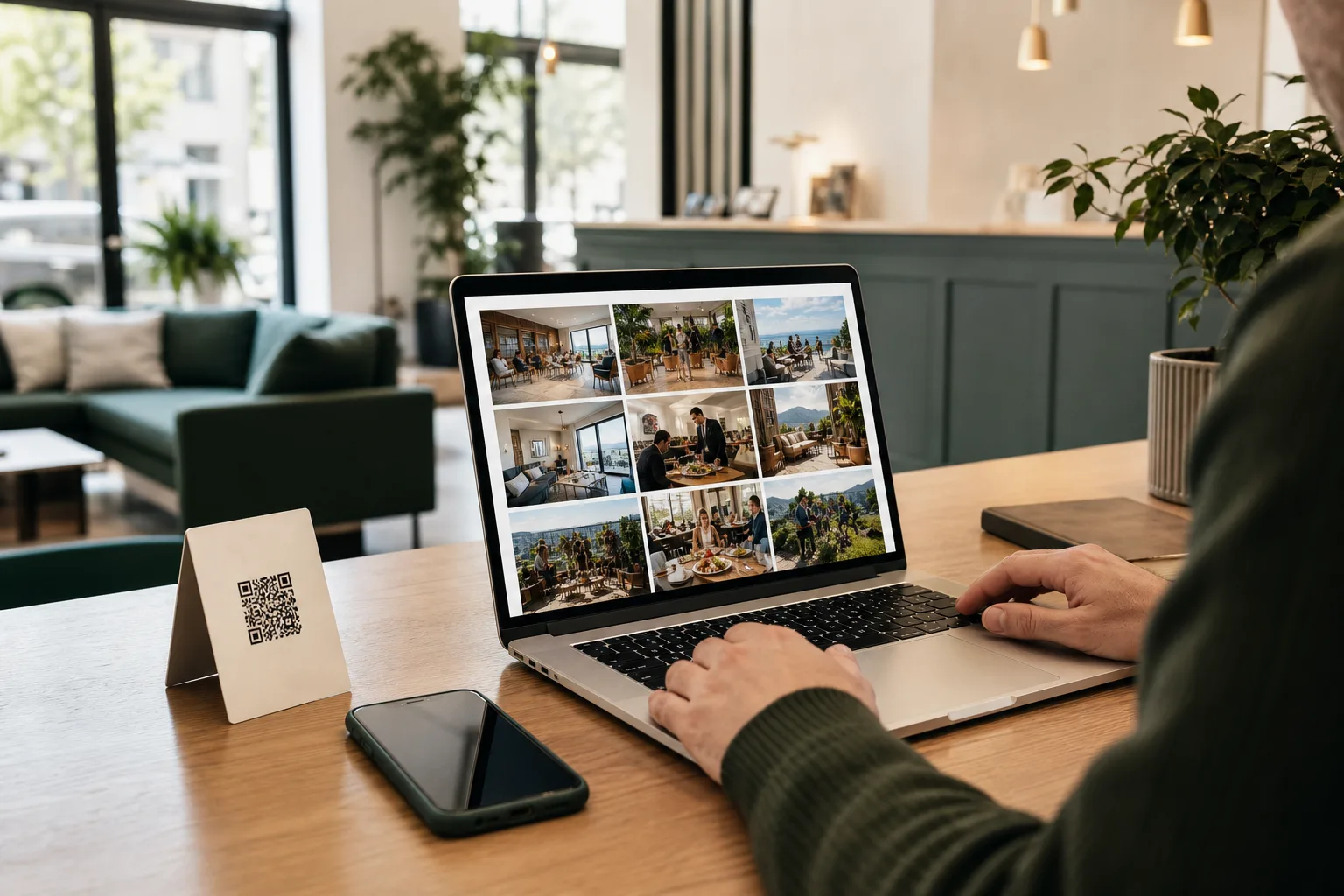
How to Build a Guest Photo Gallery Website for Hospitality
A hospitality website gallery should do more than look polished. It should help a guest answer one practical question: does this place feel like somewhere I want to book, visit, eat, or host an event? Guest photos are often better at answering that question than a brand shoot, because they show the lived version of the experience rather than the best-case version.
That only works when the gallery is built with care. The page needs a clear structure, usable rights records, readable text, and a simple way to stay fresh. If you are building a guest photo gallery website for a hotel, hostel, restaurant, activity business, or event venue, the goal is not to stuff the page with every image you have. The goal is to make the right images easy to trust and easy to use.
What the gallery page needs to do
Think of the gallery as a decision page, not a decoration page. It should do four jobs at once:
- show what the place is really like;
- answer the questions guests ask before they book;
- point people toward the next step;
- give your team a page that can be maintained without a fresh photoshoot every month.
A good gallery page does not need to be huge. A focused set of strong images is usually more helpful than an endless wall of similar shots. A hotel guest wants to see the room, the bathroom, the breakfast, the view, and maybe the pool or lobby. A restaurant guest wants food, room feel, and service mood. A hostel guest wants the social spaces as much as the bed. An event venue needs to show the atmosphere, the layout, and what the space feels like when people are actually in it.
Start with a small structure
The simplest gallery pages usually work best. Start with one short intro that explains what visitors are seeing, then group the images by purpose instead of by upload order. That could mean sections such as rooms, food, common areas, outdoor spaces, events, or guest moments.
Each section should have a short caption or line of context. A photo of a terrace is more useful when the page says whether it is a sunrise breakfast spot, an evening drinks space, or a quiet daytime corner. A gallery without context forces the visitor to guess, and guessing is not what you want at the booking stage.
For most hospitality businesses, a layout with one hero image, a small category strip, and a 12 to 20 image grid is enough to make the page feel complete. If the page belongs to an event venue, use the same idea but separate setup, live moments, and room style. If it belongs to a restaurant, separate dishes, interior, and guest atmosphere.
Put rights before design polish
The prettier the page looks, the easier it is to forget the boring part: who owns the photo and what it can be used for. The UK Government's copyright guidance makes the basic point clearly: photographs are protected works, and using someone else's image generally requires permission or another valid legal basis. A guest tagging your venue is not the same thing as a reusable license.
That is why a good gallery workflow should record the creator, the source, the allowed uses, and any later withdrawal request. If a guest allows a photo for a website gallery but not for paid ads, keep those choices separate. If you pair a photo with a quote or testimonial, the FTC's endorsement guidance is the reminder to keep the endorsement honest and not misleading. In practice, that means you should not make a guest quote sound more universal than it really is.
If your collection flow includes a reward, keep that lane separate from any review request. Our guide to rewarding guest photos without incentivizing reviews shows the difference. A gallery page is stronger when the content comes from a clear upload path, not from a fuzzy exchange that mixes photo use, reviews, and incentives together.
Make the page readable for every visitor
A gallery can be visual without being inaccessible. The W3C's guidance on non-text content is simple: images need text alternatives that serve the same purpose. In plain language, that means alt text should describe what matters in the image, not just repeat the file name.
Good alt text is specific enough to help someone who cannot see the image. "Guest dining on a rooftop terrace at sunset" is more useful than "photo1" or "gallery image." If the image is decorative, keep the text alternative out of the way. If the image carries the meaning, describe the meaning.
Google also recommends that you help image discovery by optimizing the landing page, not just the file itself. Its image SEO best practices point toward clear page context, descriptive surrounding text, and a page that makes the image easy to understand. That matters for your gallery because a gallery page without text is hard for both people and search systems to interpret.
It also helps to keep file names and captions consistent with reality. Use names and captions that reflect the image content, not a generic IMG_2048 habit. Compress large files, avoid endless duplicate shots, and keep the page fast enough that visitors can browse it without waiting for every image to load one by one.
Build a repeatable publishing workflow
A gallery stays useful only if it stays current. That is mostly an operations problem, not a design problem. Set up one place to collect guest photos, one person or role to review them, and one simple checklist for what can be published.
The checklist can be short:
- Was the photo created by a guest or cleared for reuse?
- Is the intended use allowed for this channel?
- Does the image answer a real question about the place?
- Does the caption match what the image actually shows?
- Is the alt text useful and accurate?
- Has the gallery page been refreshed recently enough to stay believable?
This workflow is where Everyguest fits naturally. Guests can upload content through the venue flow, owners can review rights information before publishing, and approved content can then be used on the website or in other marketing places. If you want to see the broader collection side first, read How to Get Guests to Share Photos of Your Hotel (Without Asking Awkwardly). If the gallery is part of a wider content plan, our 4-week hospitality social media content calendar using guest photos shows how the same approved images can keep working after they hit the website. For event venues, the same basic structure also works on the event side; Everyguest for events shows that workflow in a different setting.
A practical launch checklist
- The page answers one real guest question, not just a design brief.
- Images are grouped by purpose, not dumped in upload order.
- Every public photo has a clear permission record.
- Any testimonial or quote is honest and not overstated.
- Alt text describes the useful part of the image.
- Image files and captions are current, specific, and easy to understand.
- The page loads quickly enough to browse comfortably on a phone.
- Someone owns the refresh schedule after launch.
Frequently asked questions
How many photos should a gallery have?
Enough to answer the most common questions without making the page feel repetitive. For many hospitality pages, a focused set of strong images works better than a very large gallery with too many similar shots. Start with the photos that explain the experience, then expand only if each new image adds something useful.
Do guest photos need permission before they go on the website?
Yes, if you want to use them publicly. A tag or mention is not the same as a reusable rights grant. Keep a record of what was allowed and where the photo may appear, then respect later changes or withdrawals.
Should the gallery replace brand photography?
No. The best pages use both. Brand photography gives you consistency and a clean first impression. Guest photos give you proof and texture. A strong website gallery usually combines them instead of treating one as a replacement for the other.
Keep the gallery useful after launch
The real test of a gallery website is not the day it goes live. It is the third month, when the page is still accurate, still current, and still easy to maintain. If your process can keep the page fresh without a monthly scramble, it will stay believable for visitors and manageable for your team.
That is the kind of workflow Everyguest is built to support: collect guest photos, review them with clear rights information, and publish approved content where it is useful. If you want a simpler way to keep a guest photo gallery website current, see Everyguest venue plans or explore Everyguest for events.